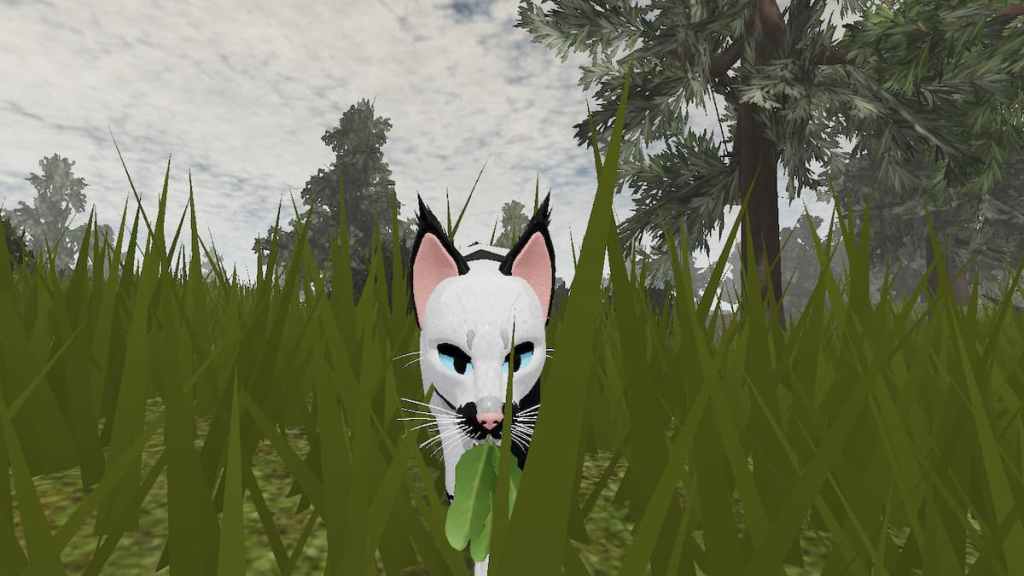
Warrior Cats Ultimate Edition is a marvelously detailedroleplaying game on Robloxbased on the novel series Warrior Cats. Fans can take the page to screen, dive into their favorite fictional world, and become a Warrior Cat for themselves. Whether you’ve read the series or are simply a cat lover, you will enjoy accompanying old friends and meeting new ones as you roleplay your cat’s life, join clans, and adventure the territories. Here are some tips and tricks to get you started!
How to roleplay in Warrior Cats Ultimate Edition
Roleplaying is a fantastic experience in which players can join together, using their imaginations to create stories, worlds, and characters. If you’ve roleplayed on Roblox before, it will probably be easier to pick it up in this game. However, Warrior Cats Ultimate Edition has some remarkable features that make roleplaying an effortless and visually stunning experience.
How to customize your cat
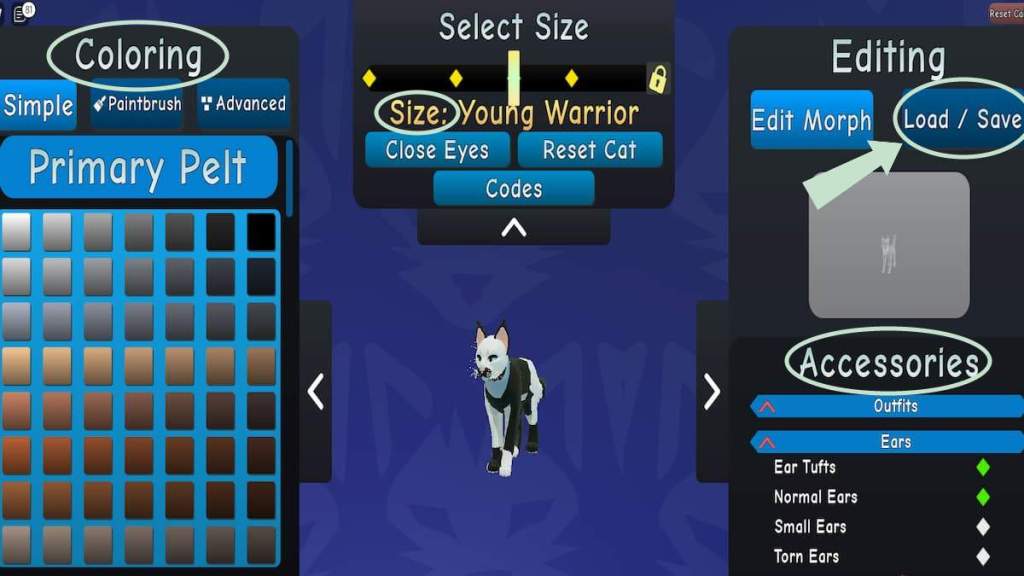
When you join the game, the first thing you will do is create your cat. If you have played the game before and have a cat made, you can quickly load back to it by pressing theLoad/Savebutton. Otherwise, you can have many options for creating a perfect new cat.
Once you have your cat the way you like, press theFinishbutton at the bottom of the screen to hop into the experience. Don’t worry if you don’t get it all to your liking on the first try, you can change up your cat any time, even when in the game, by pressing theEditorbutton in your toolbar.
How to change your character info
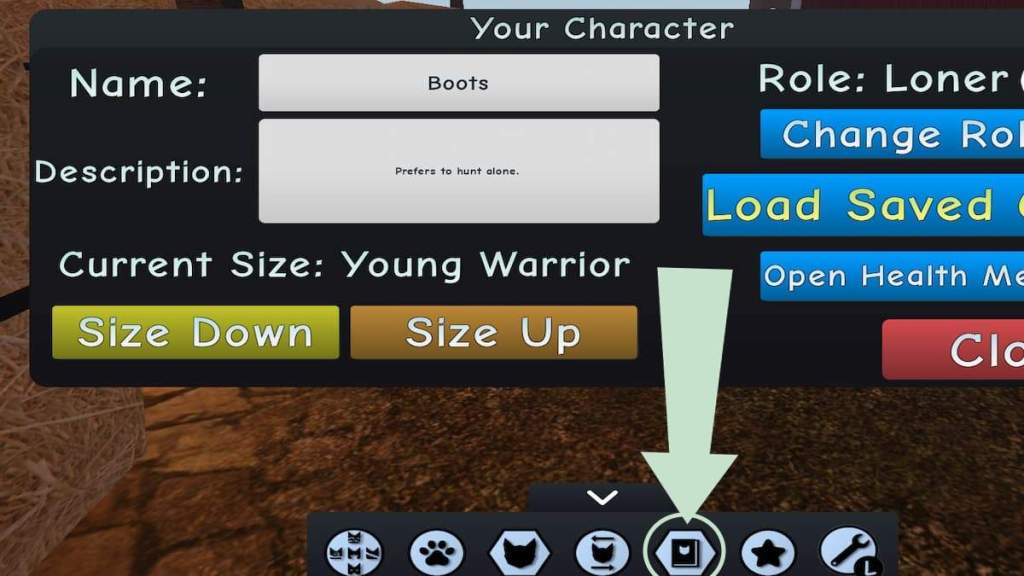
To finish off your character in preparation to begin roleplaying, ensure you open yourCharacter Infomenu and fill out your cat’s background. You can give your character aname, a briefdescriptionof who they are or what they like, and even change theirrolein the game on the left side of the menu. You will also have a more accessible option to increase or decrease your cat’s size right here in Character Info.
How to join a Clan
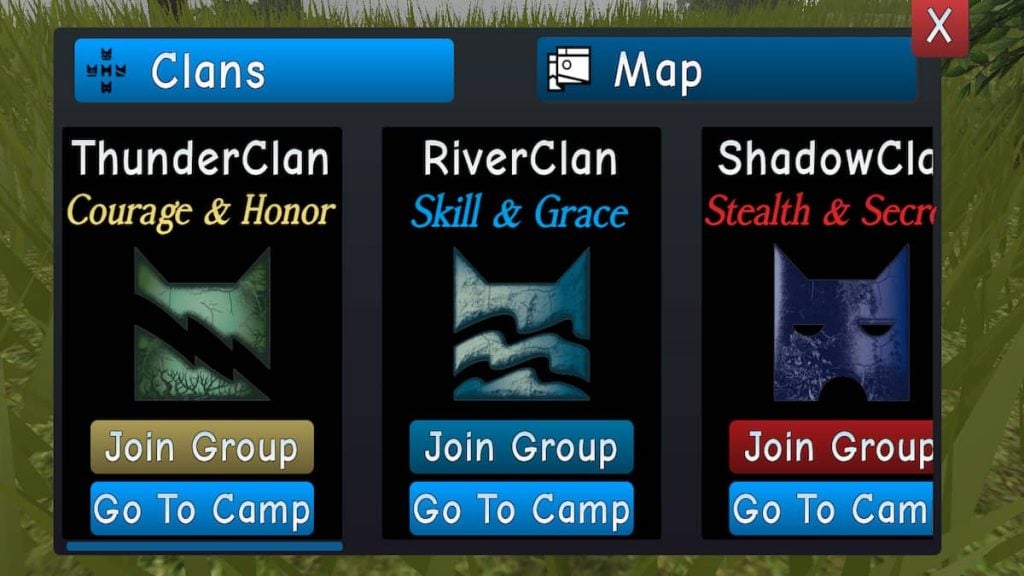
To begin the experience, you will need to join aClan. Each Clan is known for different characteristic traits and has differing values, all inspired by the lore of the books. Decide which Clan best suits your cat and selectEnter Game. you may do this immediately after creating your character or change it at any time by choosing theClans and Mapbutton on your toolbar and selectingJoin Group. Once you join a Clan, you must follow their rules and live up to their values while roleplaying. Not doing so would only be unfair to your fellow roleplayers.
How to be lore accurate
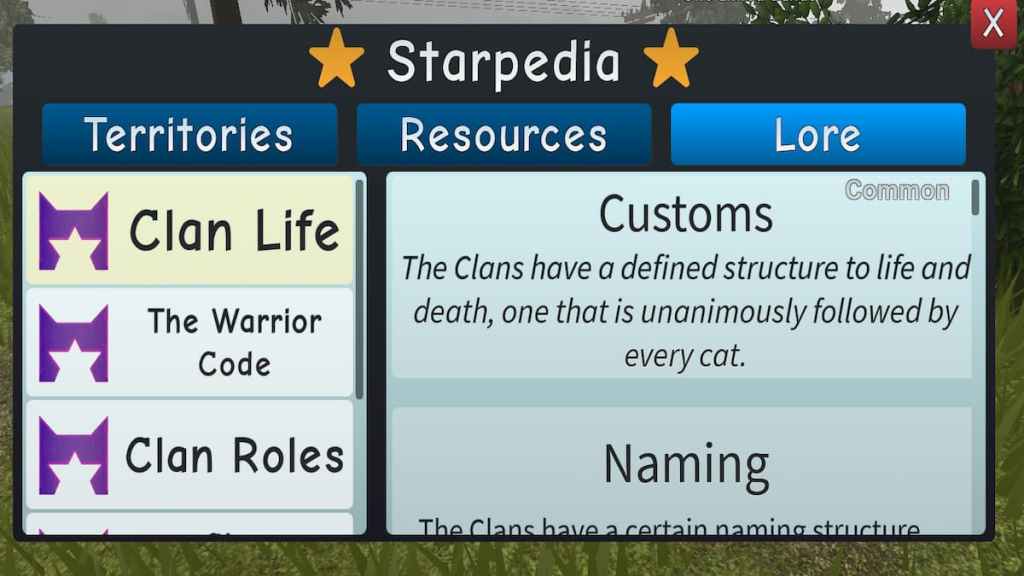
Roleplaying is all about being creative and imaginative. You are free to create your own path and be your character. However, to ensure you and your fellow players have the best roleplaying experience, it’s essential for you to belore accurateand respectful. If you haven’t read any of the Warrior Cats series and don’t know much about the lore, it’s okay. Warrior Cats Ultimate Edition has made it super easy for every to stay lore accurate by including a page of thehistoryandstructuresof the Warrior Cats world. you may view this anytime by pressing theStarpediabutton on your toolbar and switching to theLoretab. This will help you better understand the Clans and roleplay better.
Related:How to get the Legacy badge in Roblox Warrior Cats Ultimate Edition
How to use animations
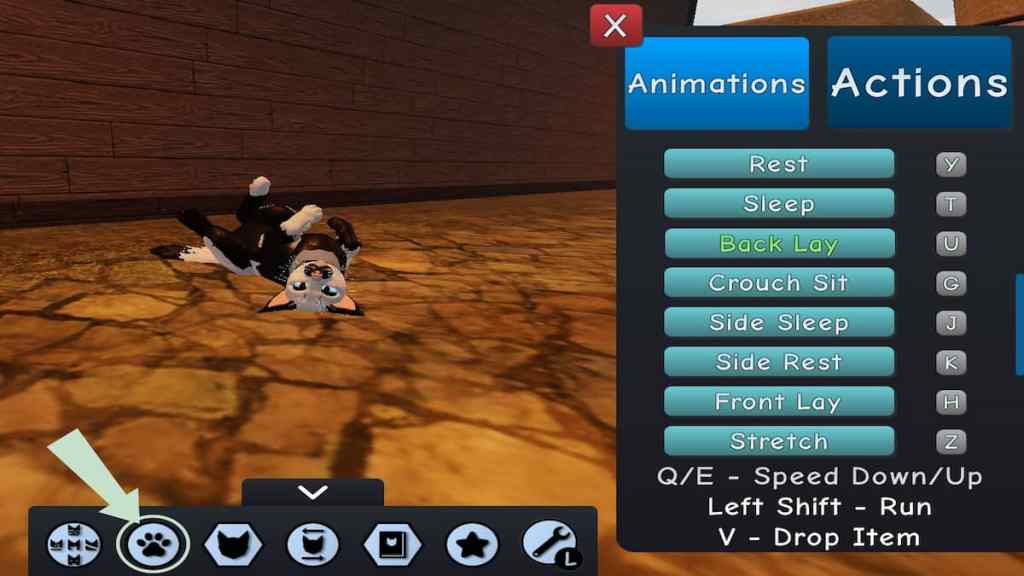
Warrior Cats Ultimate Edition has some incredible features that allow your imagination to come alive even more with visualanimationsand actions for your cat. Instead of relying all on words to describe what your character is up to, you can use the animationhotkeysto make your cat perform differentactionsor even changeemotions. Press theAnimationsbuttonon your toolbar, symbolized by the cat paw, to view the Animations menu. This will show you all the possible actions your cat can perform and which buttons you must press on your keyboard to make them happen.
How to treat wounds
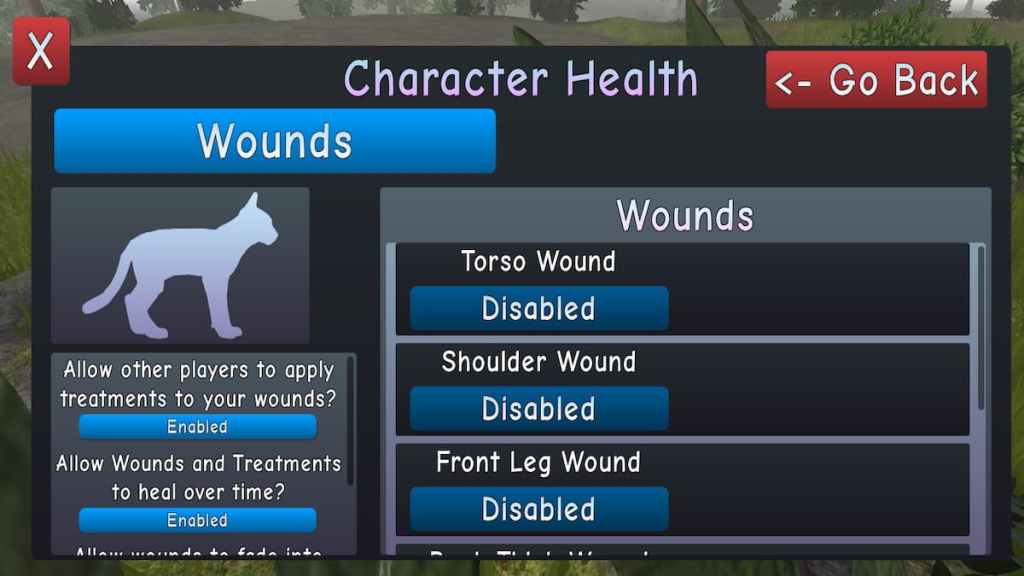
During your roleplay, your cat might be in trouble or receive a wound or injury. Warrior Cats Ultimate Edition allows you to bring this to life as well. you’re able to select theCharacter Healthbutton in yourCharacter Infomenu toenablecertainwoundson your cat and choose to allow it to heal over time or if other roleplayers can treat it. Warrior Cats are prone to receiving injuries once in a while, and this is how you can make that even more realistic during your story.
How to limp
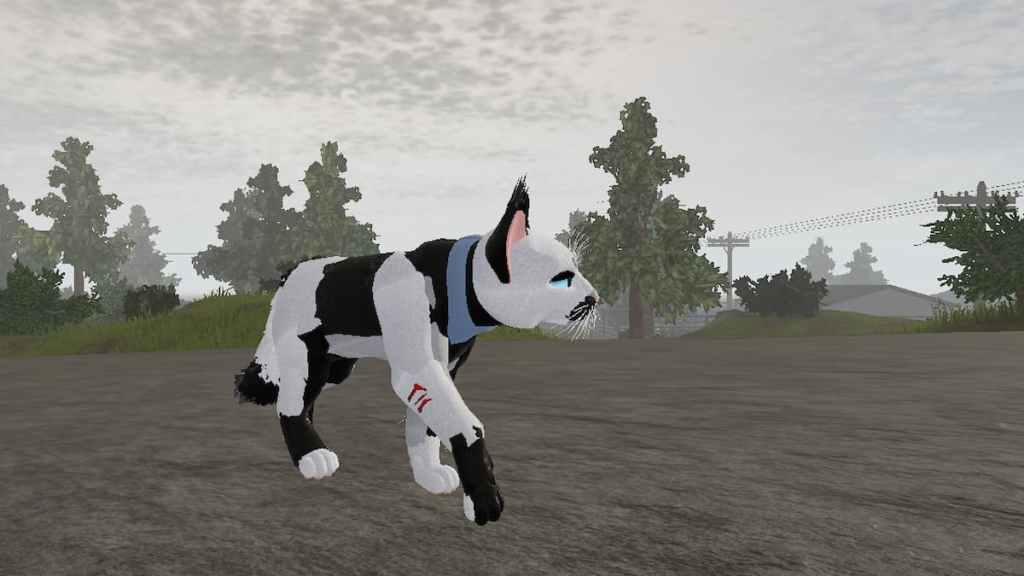
Although it isn’t its own animation, you may also make your catlimpwhile having an injury. Say your cat has a hurt leg and you don’t want to ruin the illusion of the injury by walking and running at average full speed—you can make your cat perform a little limp simply by using the speed up and speed down keys. To make your catincrease speedduring walking, you press theEkey on your keyboard, and inversely toslow down, you would press theQkey. To limp, maintain a slower walk speed, tap thespeed upkeyonce, thendecreaseagainimmediately. This will make your character appear to do a little jump or limp and visualize that pretend injury.
Related:How to get the Sage badge in Roblox Warrior Cats: Ultimate Edition
How to hunt
Although predatory hunting for food is not a feature in Warrior Cats Ultimate Edition, there are still aspects of hunting within the game. Plenty ofitemsandresourcesare spread around the map for you to discover. You can open up yourStarpediamenu to view all the aspects you have found and have yet to find.
How to collect new items
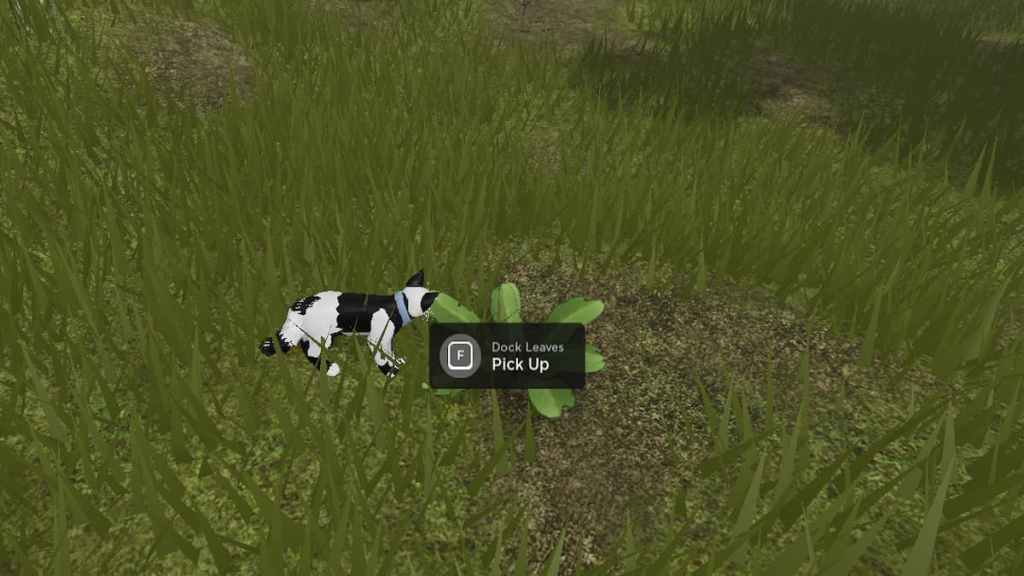
When you come across a plant or item you may collect, you will see a little screen pop up with the name of the object and the key to press to pick it up. HoldFtopick upthe item. You will then see the item within your cat’s mouth to carry wherever you like. Some things can be used to create special potions or medicines, and you will have the option to eat or chew them. You will also have ablue buttonat the top of your screen that allows you todrop the itemback onto the ground, either to give to another player, to discard, or to save for later.
How to discover new areas
Similarily to hunting for new resources, you can alsodiscovernewterritoriesand locations around the map. You will be notified when you discover a new area, and on the top-right of your screen, it will always display what territory you are within. You can open the map by pressing theClans and Mapbutton on your toolbar and switching to theMaptab. Here, you can see your preciselocationat all times, symbolized by the littlewhite arrow. Once you discover new territory, you can open yourStarpediamenu to read about it.
These are a few tips and tricks to get you started in your epic roleplay of Warrior Cats Ultimate Edition. The rest is up for you to decide and create as you go along. Who will you choose to become? Let us know in the comments below!
Looking for more Pro Game Guides Roblox content? Check out our guides onRoblox Warrior Cats Codes (2021) Don’t exist, here’s whyorHow to get Crystals fast in Roblox Anime Warriors!