Roblox Gas Station Simulator is an experience in which you work as an employee of a gas station in the middle of nowhere. You work in various roles as either a Janitor, Clerk, Refueler, or a Manager to maintain the general upkeep of the business while attending to the demands of the multiple visiting customers. As such, many beginners or newer players might have several questions, like how to make money fast or what role to choose. In this guide, we’ll break down all the essential tips and tricks you must follow to make the most profit in Roblox Gas Station Simulator.
Best Beginner’s Tips and Tricks for Roblox Gas Station Simulator
To maintain a steady profit margin, you need to work fast and hard. This means re-stocking shelves, buying supplies, cleaning windows, managing bills, and carrying out other tasks. If you are new to Roblox Gas Station Simulator, or are just looking to run your business as long as possible, check out the following tips and tricks!
How to get money
Making money in Gas Station Simulator is pretty straightforward. For every task you complete, you earn a little money, which gets added to your wallet. Tasks include re-fueling, scanning, re-stocking, and cleaning. If you wish tomake money fast, complete as many tasks as you can in a day. You should also invest incharacter upgradesto hasten your gameplay and receive extra earnings.
Related:How to become a manager in Roblox Gas Station Simulator – The Manager badge

How to pay bills
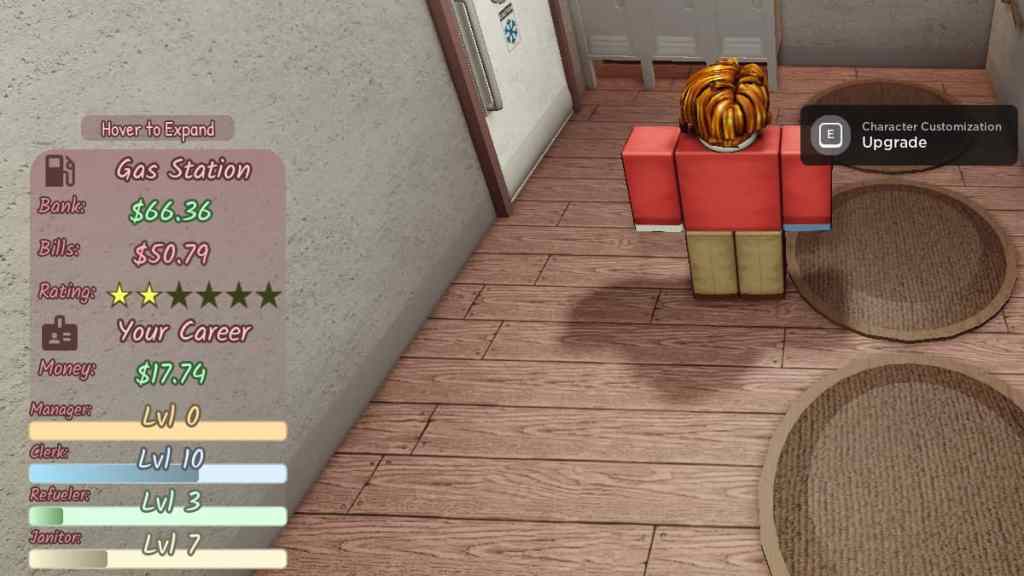
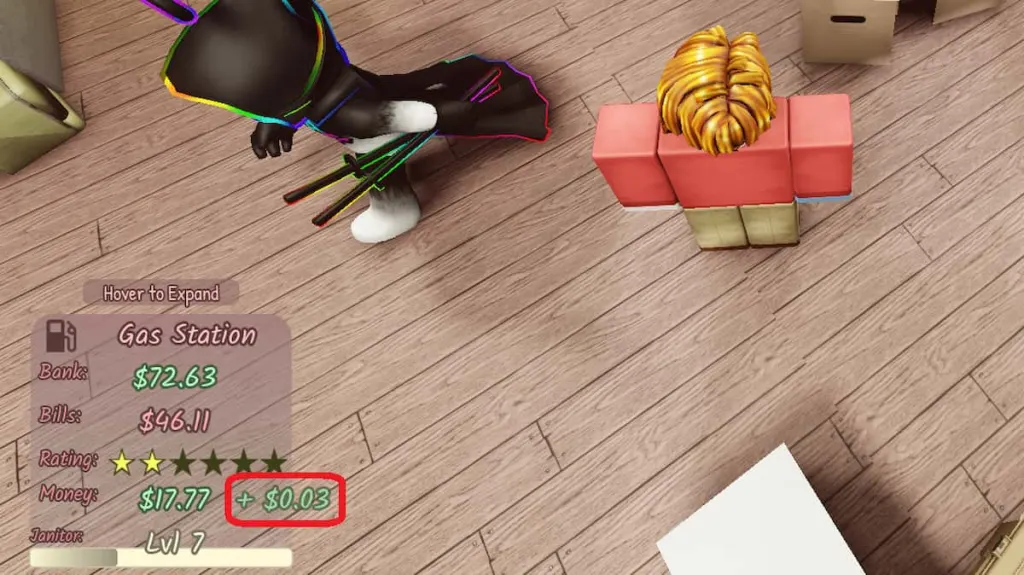
In the bottom-left corner of your screen, you will find a tab that displays the Gas Station’s totalBank balanceand totalBill amount. Your goal will always be to keep the Bank balance number higher than your Bill amount, otherwise you faceimpending bankruptcy. If your Bank balance is lower than your Bill amount, the game ends with your gas station going bankrupt. Fortunately, you don’t have to perform a specific task to pay your bill, as it automatically gets transacted from your Bank.
How to lower bills
Reducing your Bill amount is crucial to making profitable gains. To lower the bills, make sure toturn offtheAir ConditioningandLightsevery night when there are no customers. The AC and Light switches can be found inside theOffice. Also, when starting out, do not buy too much electrical equipment, like hot trays and refrigerators, as they will consume electricity and rack up the Bill amount.
How to save your game
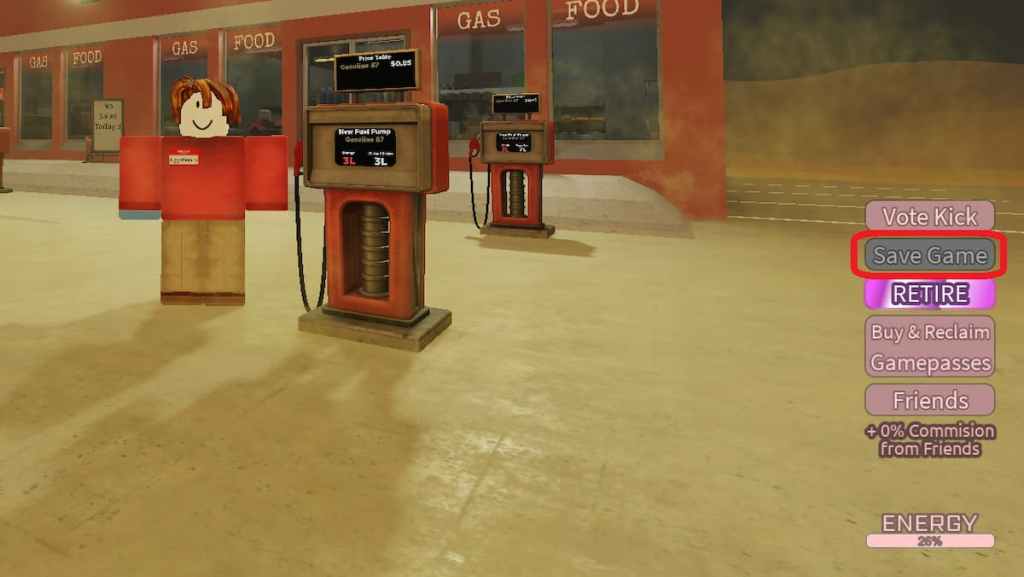
In Roblox Gas Station Simulator, your character skills and upgrades automatically get saved when playing in a random server. The option to manually save game is only available in Private Servers. If you wish to save your progress in a private server, simply click on theSave Gamebutton in the bottom-right corner of the screen.
Related:How to get money fast in Roblox Gas Station Simulator
How to retire
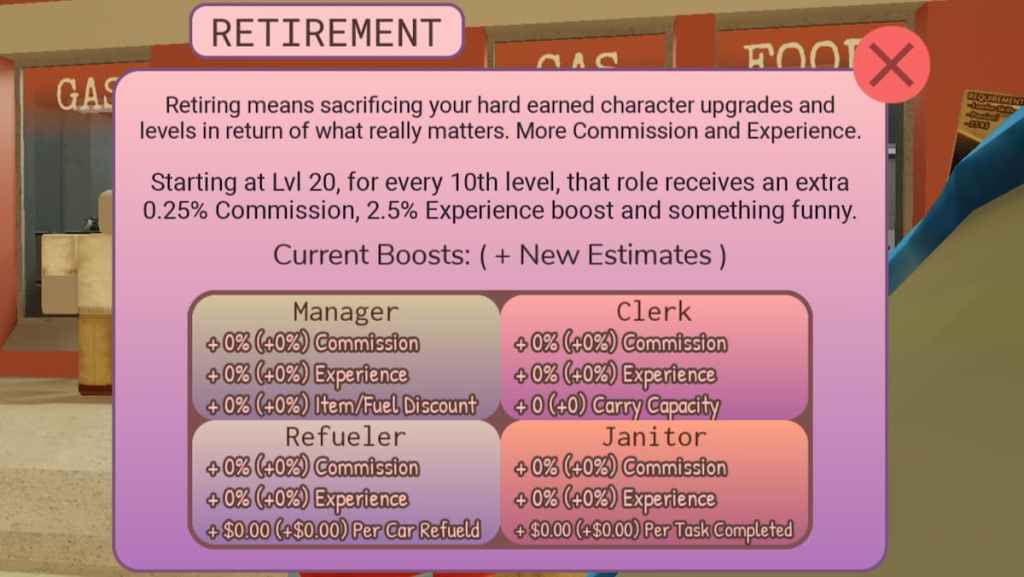
Retirement increases the commission and experience you earn from completing tasks in exchange for character upgrades and levels. After reachinglevel 20in any role (Janitor, Manager, Refueler, or Clerk), you will get the option to Retire that role in order to increase thecommissionandexperienceyou earn from completing tasks entailing that role. You will also receive a third unique attribute for each role that you retire. After level 20, you will get the option to Retire every 10 levels.
How to upgrade your character
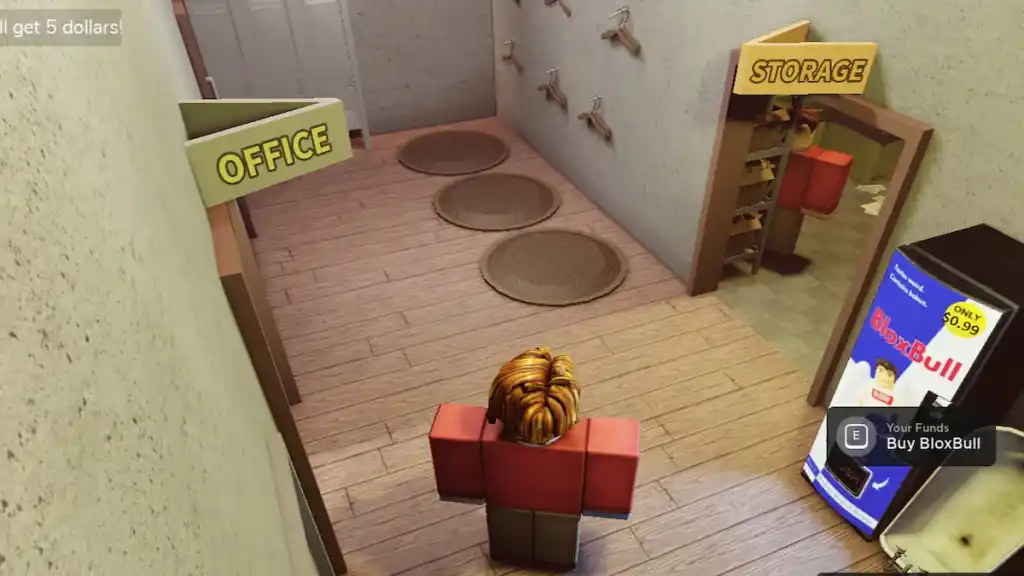
It is highly suggested to invest the money you earn to upgrade your character stats, like scanning speed and daily wage amount. In order to upgrade your character, simply head over to the upgrade stations, located right outside the Storage Room. Some of the more beneficial upgrades includeDouble Charge Chance,Scanning,Daily Wage Amount, andScanning Speed.
Wondering which character upgrades to invest in? Check out theBest upgrades in Roblox Gas Station Simulator,here on Pro Game Guides.