MultiVersus is a platform fighter that features iconic characters like Batman, Bugs Bunny, Tom & Jerry, and many more. It has a delightful cartoony aesthetic that matches its many cartoon and comic characters. However, despite its childlike appearance, MultiVersus includes an option for Mature Language. This may leave you wondering what the Mature Language Setting does and how to turn it on in MultiVersus.
What does the Mature Language Setting do in MultiVersus?
While MultiVersus features many beloved childhood characters, it includes an option for Mature Language. This will allowcertain characters, likeHarley Quinn, toswearwhile playing. Don’t expect characters like Finn, Steven Universe, or Bugs Bunny to start dropping curse words, as this only applies to certain characters.
Related:How to change your age in MultiVersus
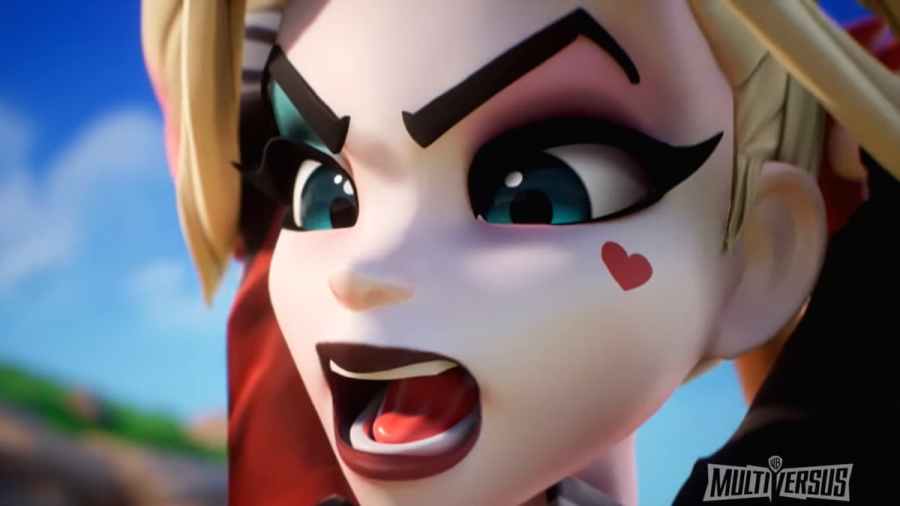
When released,Rick and Mortywill likely take advantage of this setting in their dialogue as their show is rated for mature viewers. Other characters will likely also use Mature Language throughout MultiVersus' lifetime, but only time will tell which characters use it.
How to turn on the Mature Language Setting in MultiVersus
To turn on the Mature Language Setting in MultiVersus, open theSettingsmenu. Then go to theLanguagetab and scroll down. Eventually, you will see theMature Language Setting. Check the box to turn this on or off.
For more information on MultiVersus, check outAll Characters in MultiVersusandMultiVersus Iron Giant Guide – Moves, Perks, Tips, & Strategieson Pro Game Guides.

