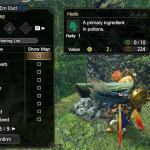
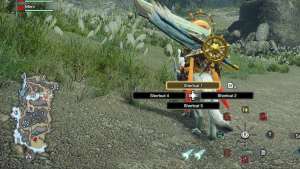
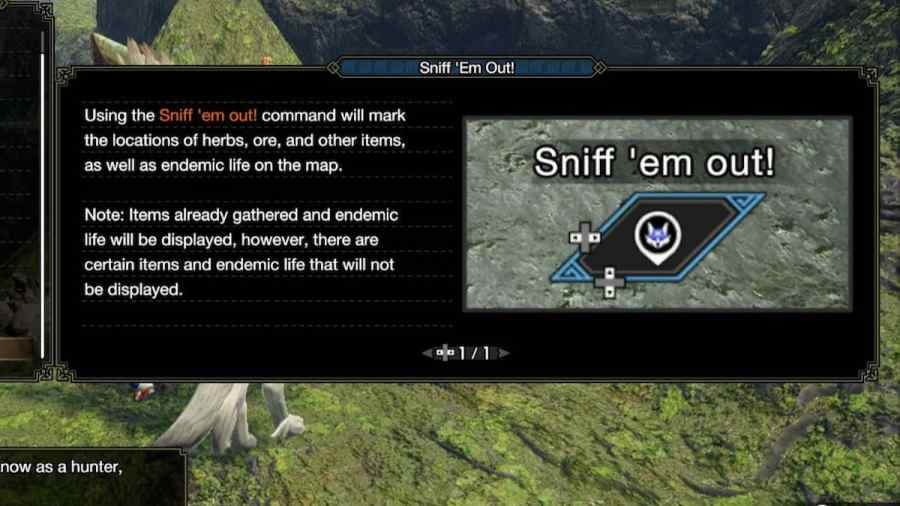
Sunbreak added the ability that lets players instruct their Palamute to find materials for them. Instructions can be as specific as you want. This is a useful tool for finding resources on any map. Players can use this ability to instantly highlight the resources they want on the map, even for multiple resources at a time. Here is how to use the Sniff ‘em Out! Palamute ability in Monster Hunter Rise.
Using the Sniff ‘em Out! ability in MHR
Whether on an expedition or on a quest, players can navigate through theirActionsto have their Palamute use theSniff ‘em Out!ability. This bring ups a menu in whcih players can tick whichever material they want to be highlighted on the map. If a player has not discovered a particular item, it will not be displayed on the list to befarmed for. After selecting the items that players want to look for, the mini map will display dots to show where to find those materials.
Related:How to remove the Switch Skill hover text in Monster Hunter Rise Sunbreak
How to change the mini map in MHR
Players can change their active mini map by going to the menu and into theSystemtab. UnderOptionsand thenGame Settings, the default mini map can be changed. TheHUD Map Typeoption can change whether theGeneralorDetailed Mapis set to display by default. Players can also set their HUD Map to never change by turning theHUD Map Toggle Typeoff.
For more Monster Hunter Rise guides, check outHow to fix ‘crash on startup’ error in Monster Hunter Rise Sunbreakon Pro Game Guides.