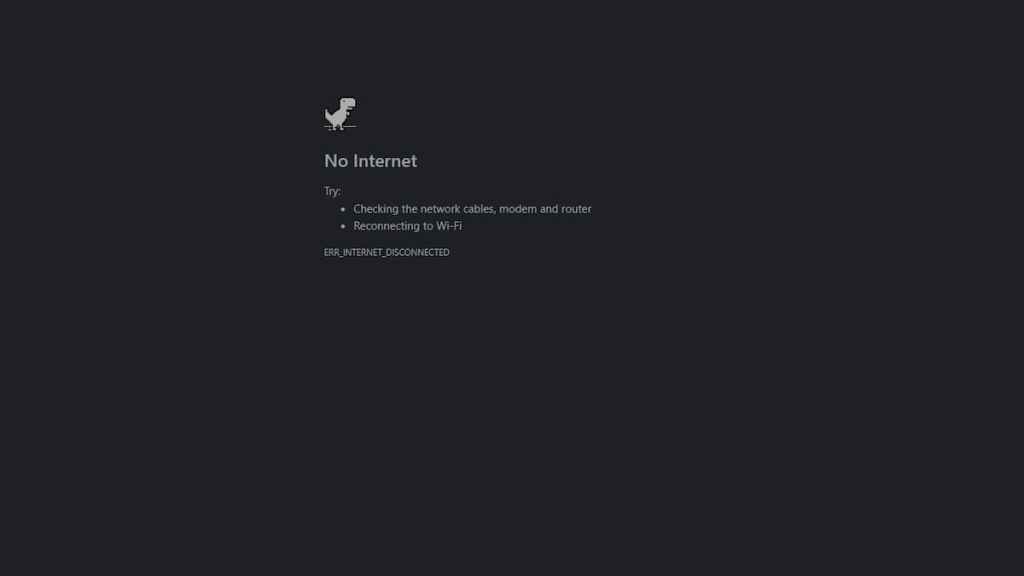
The Google Chrome Dinosaur Game is a side-scrolling platformer that appears in Google Chrome when you are unable to connect to the internet. But how do you play the Dinosaur game when not offline, and how do you start it? Here’s the trick.
Starting the Google Chrome Dinosaur Game
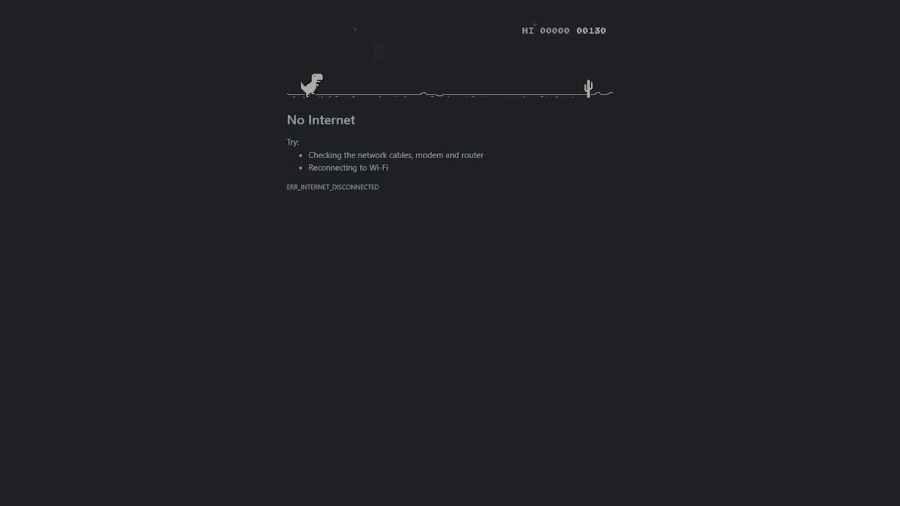
You can start the start the Dinosaur Game when the “No Internet” error occurs. To start it, press theSpace BarorUp Keyto start, and use either of these keys to control the Dinosaur. Avoid the cactuses and flying creatures to score points and survive for as long as you can!
Related:Can you play Fall Guys on Chromebook?
Starting the Google Chrome Dinosaur Game when you’re not offline
You can start the Google Chrome Dinosaur Game even if you’re not offline. You can do this one of two ways. The first is to type thechrome://network-error/-106into the address bar/Omnibox. This will replicate the network error that allows you to play the Dinosaur Game.
Alternatively, you can simply typechrome://dinointo the address bar/Omnibox to start the game without the error message. Both these versions are the same game as the offline version.
About the Dinosaur Game
The Dinosaur Game has existed in Chrome since 2014, and in 2018, the creators stated that around 270 million games of the Dinosaur Game were played monthly. Whether this is because it’s a fun game, or lots of people just have connection issues, is uncertain.
Dinosaur Game in other browsers?
Microsoft Edgehas its own version of the Dinosaur Game called Surf. Surf has you control a Surfer attempting to avoid a Kraken and other obstacles. It’s available offline, but can also be accessed by typingedge://surfinto the Edge address bar.
For more free games to enjoy, check outBest Free Games of 2021on Pro Game Guides.