There are many sites you may want on your phone’s home screen that don’t have apps or widgets available on Android phones. Thankfully, there’s an app that makes adding custom widgets to your phone super easy!
To be able to set up your own widgets without rooting your phone or downloading shady third-party apps, you’ll need to do it by downloading theWidgetifyapp from the Google Play Store. This app is made by Binary-Smith and has a 4.8/5 review score. We have personally tested this app to ensure the safety of using the application. This app allows users to create simple widgets for multipurpose use.After downloading, launch the appand begin setting up your widget.

Set up widget & configure website
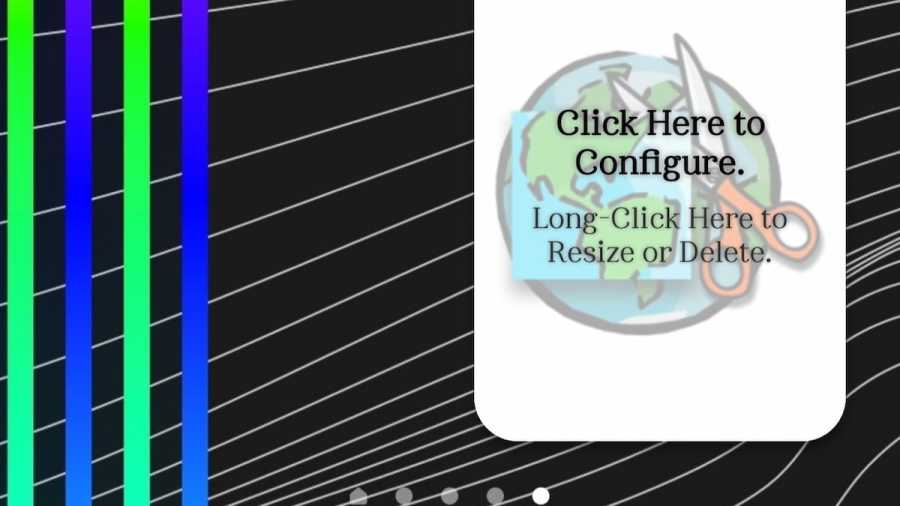
Once you have opened the app,hit the red + symbolin the bottom corner. This will add a widget to your home screen. Exit out of the app and head over to your home screen. Swipe until you find the widget with the globe and scissors. Place this widget how you’d most prefer it by dragging the widget wherever and resizing it.
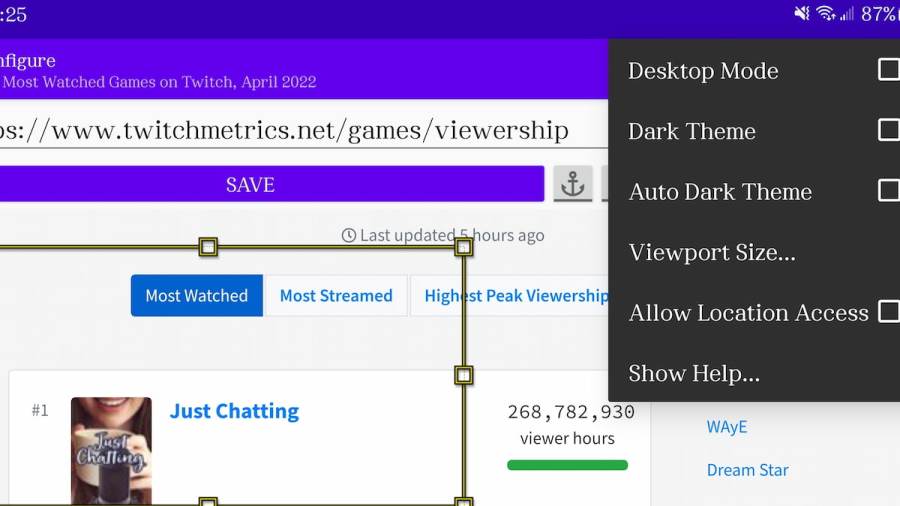
Once you have placed the widget to your liking, click once on the widget to set up the site you’d like to use. For our example, we are using a Twitch analytics website, meaning the widget will allow us to view these metrics.Enter the desired URL in the top bar.
Move the yellow box around and play with settings such as Desktop Mode, Dark Theme, and Viewport Size to edit the page to your liking. If you want to widget to target a specific part of the page and not just the top,move the yellow box around and hit the anchor button. This will make the widget load this part of the page first. HitSavewhen finished.
Related:Best Multiplayer iOS and Android Games
Settings & Refreshing
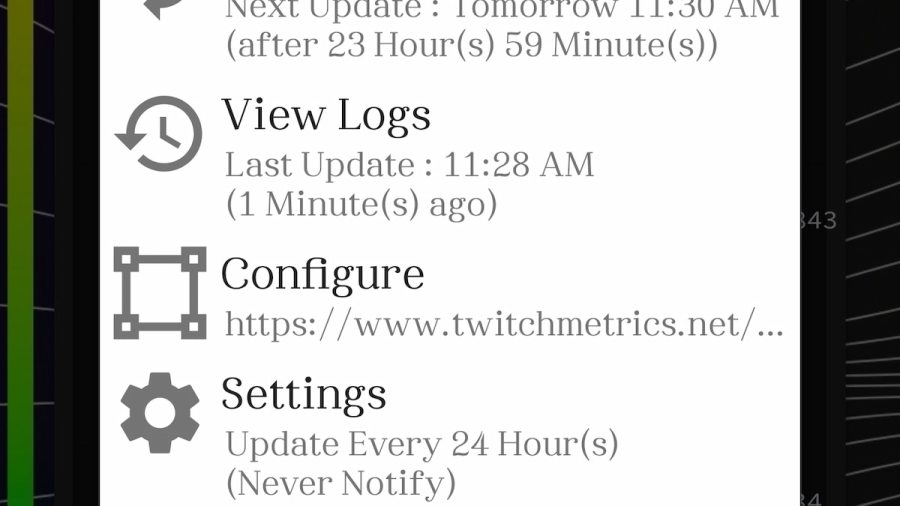
Click the widgetto bring up options. Here, you can accessSettings, which will allow you to further customize the widget. Here is where you can determine update/refresh frequency, battery saving options, appearance, title, and more. Choose your desired settings and thenhit the back arrowat the top of the settings when you are finished. You now have your own custom widget!
Want to read more about Android? If so, check outBest Android Phones for Gamingon Pro Game Guides.