Niantic does its best to make Pokémon GO easy to navigate, but sometimeserrors can occurthat can stump players when trying to do certain tasks. Players have the choice to log in to Pokémon GO using Facebook, Google, or a Pokémon Trainer account. With so many different ways to log in to Pokémon GO, logging out of an account can be confusing sometimes.
How do you log out of Pokémon GO?
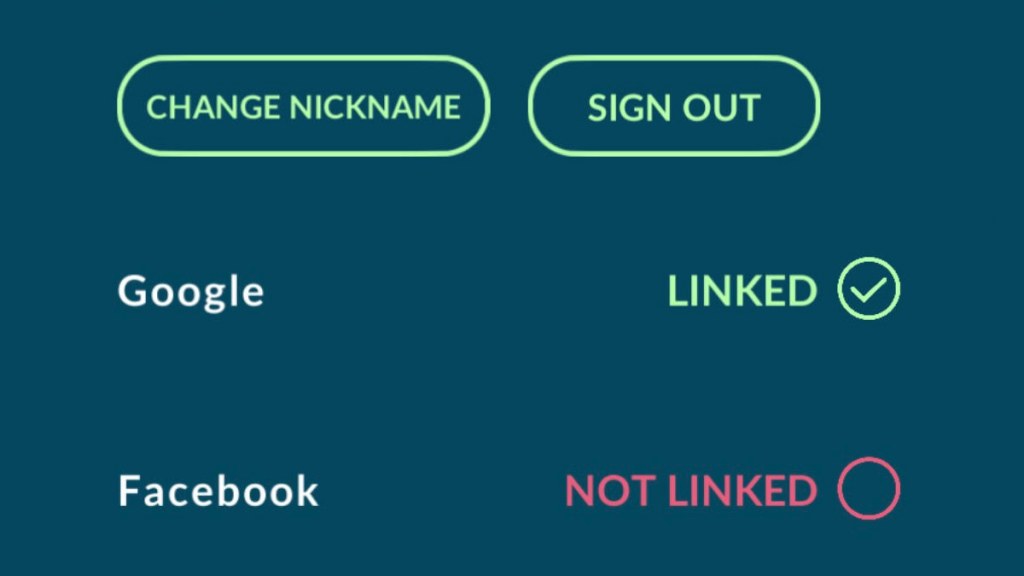
To log out of a Pokémon GO account, players need to simply navigate to theSettingsmenu and then scroll down to the button that saysSign Out. The pictures below can give players a more visual description of how to log out of an account.
Related:Can Hisuian Qwilfish be shiny in Pokémon GO?
Navigate to the Settings menu
Players can find theSettingsmenu by clicking on thePokéballat the bottom of their screen to open the green menu screen. They should then look at the top of the screen to see theSettingsbutton.
Logging Out
Once players have navigated to theSettingsmenu, they can then scroll down through the options. Quite far down the list, they should see two green buttons. One will sayChange Nicknameand the other will saySign Out. Clicking theSign Outbutton will result in players being logged out of their account.
Interested in other helpful Pokémon GO articles and want to read more? Check outCan Hisuian Growlithe be shiny in Pokémon GO?on Pro Game Guides!