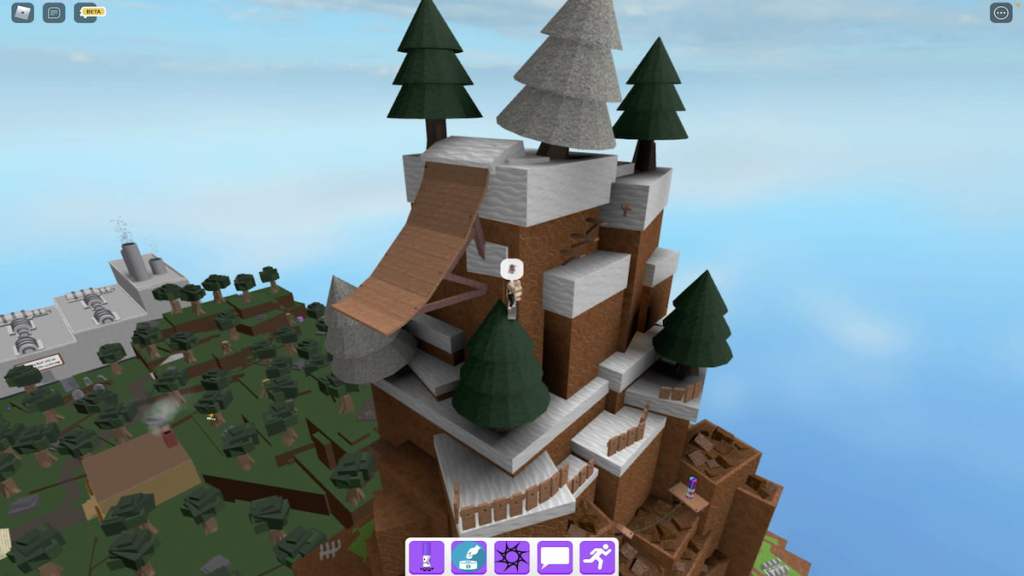
WhileFind the Markersmay seem like just another scavenger-hunt-style experience, it actually offers quite an intricate map, with more than a handful of challenging secrets to find. With itsFrightening Heightsupdate, Find the Markers has added 11 more markers for players to discover, including the one that we’ll be covering in this brief guide,Ski Marker.
Finding the Ski Marker in Find the Markers
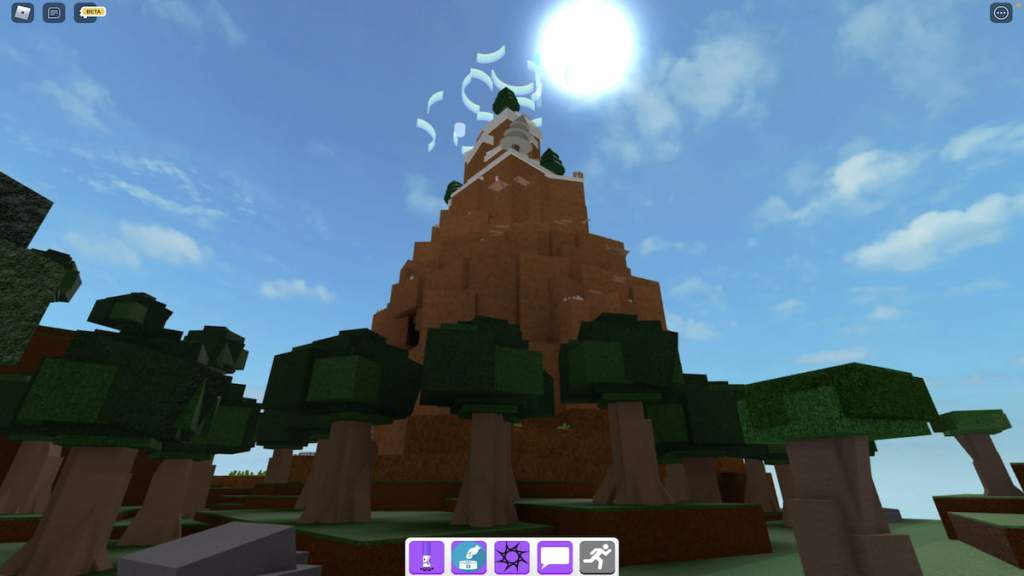
Upon spawning into Find the Markers, head toward the forest area of the map and approach its large mountain.
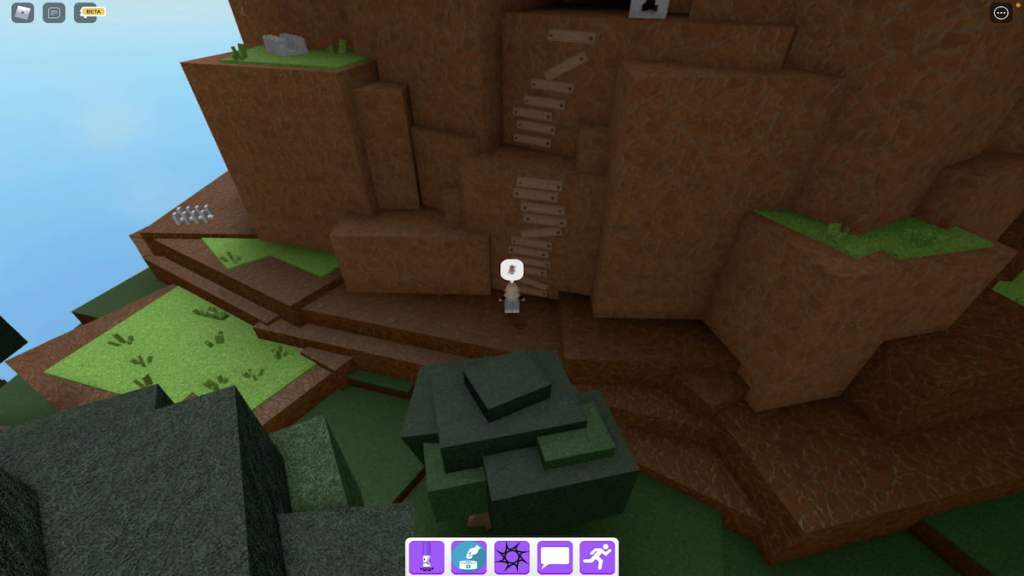
At the base of this mountain should be a make-shift ladder that you’re able to climb. Similar to when we collected theGoatandRockslidemarkers, use this ladder to reach the cliff above you.

From this cliff, walk left toward the next ladder and climb it.
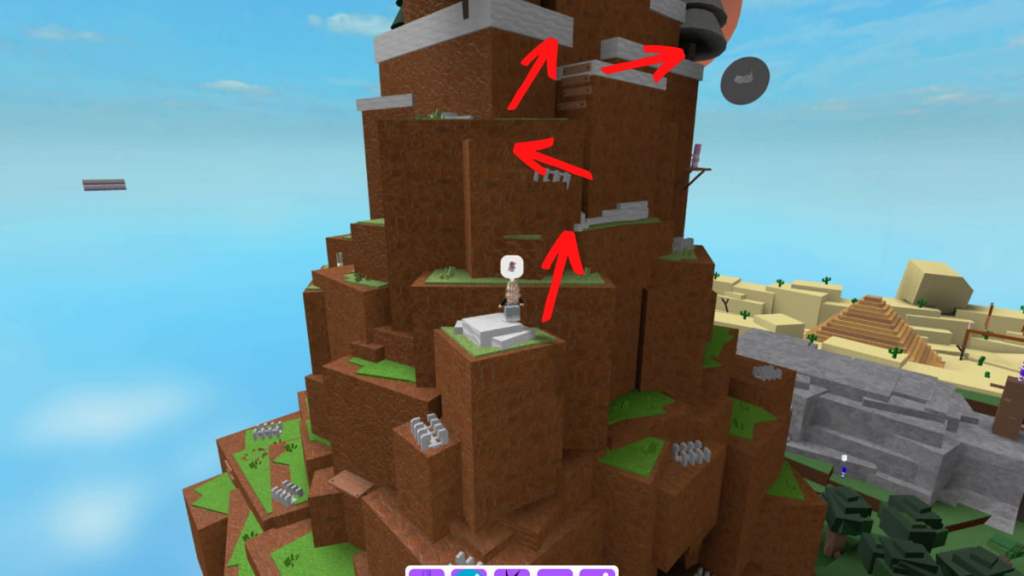
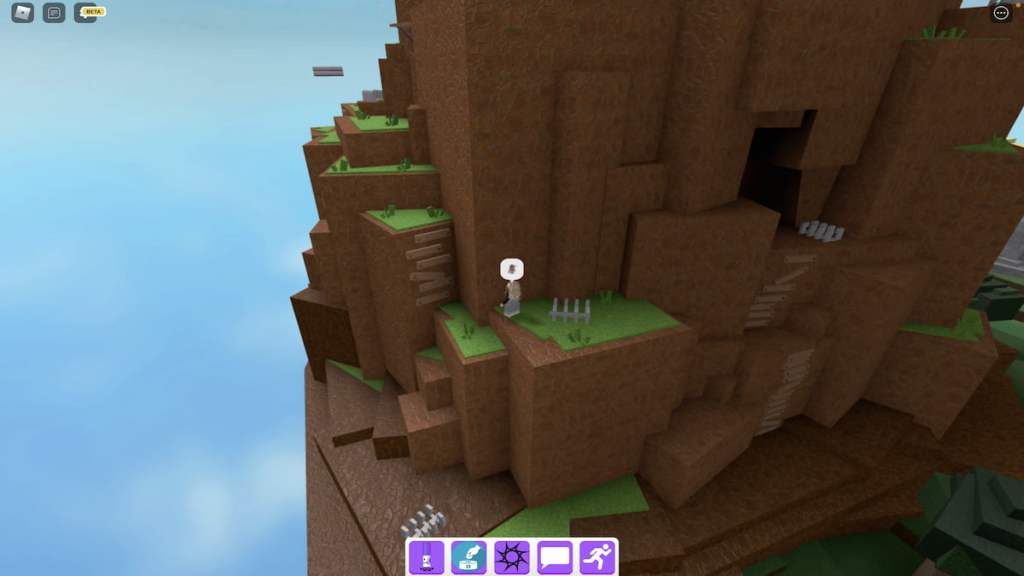
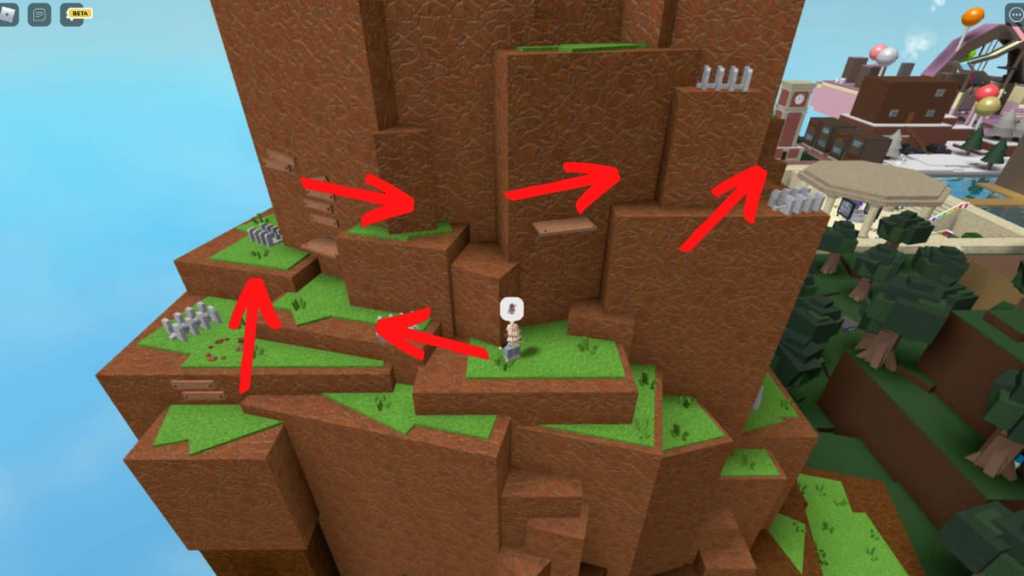
Then, hop up the small cliffs in front of you and walk forward until you reach the location pictured below. From this location, follow the arrows that we’ve detailed to continue climbing the mountain.
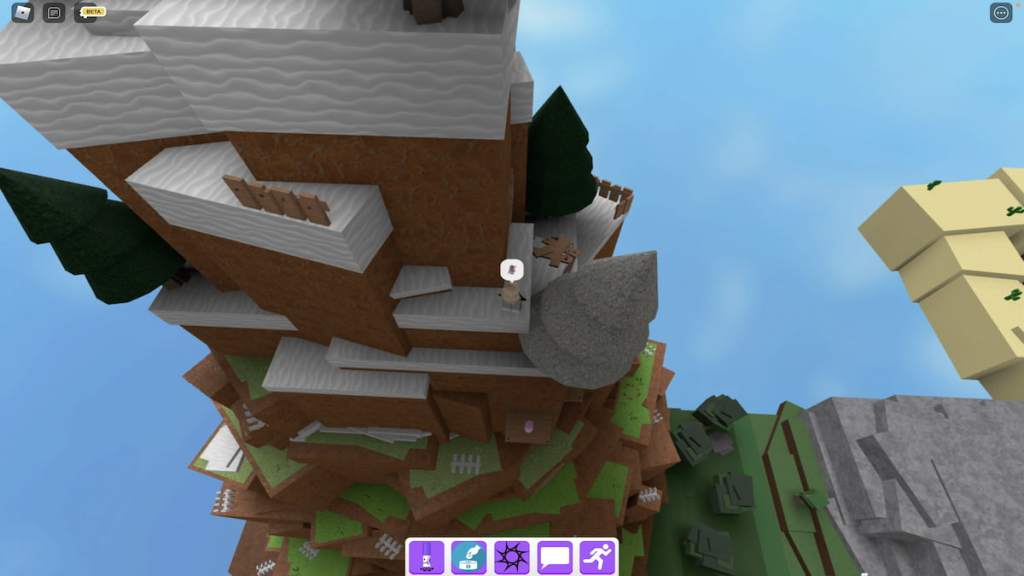
Now, continue following these arrows until you reach a small snow pile. Then, from this snow pile, climb up the mountain to the point below.
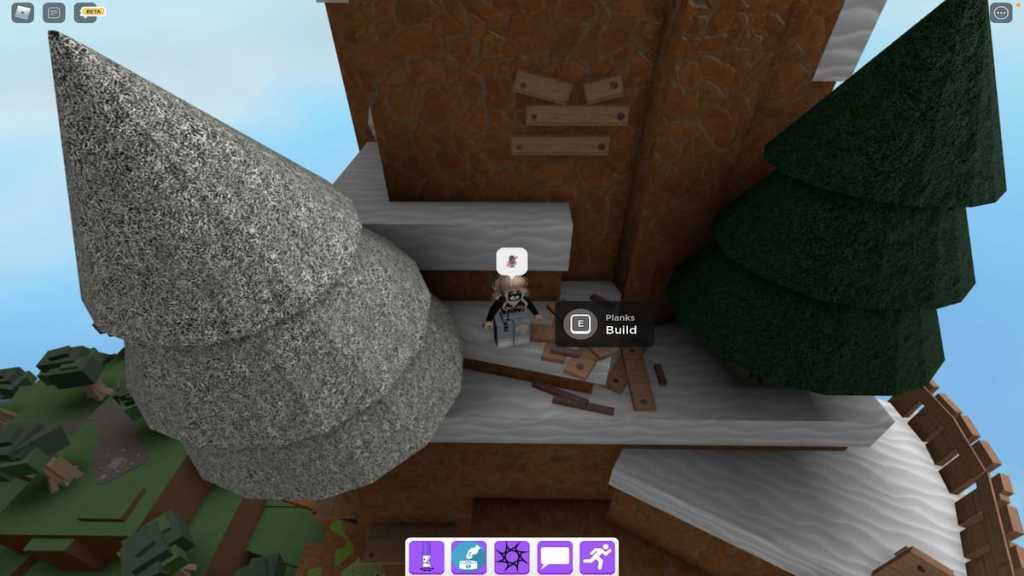
At this point, you should be able to see a pile of wooden planks lying in the snow. Hop down to this pile and begin repeatedly clicking theEprompt that appears with your left-mouse button. After clicking for a few seconds, your screen should go white and the planks should be turned into a large wooden ramp.
Related:How to get the Beige Marker in Roblox Find the Markers
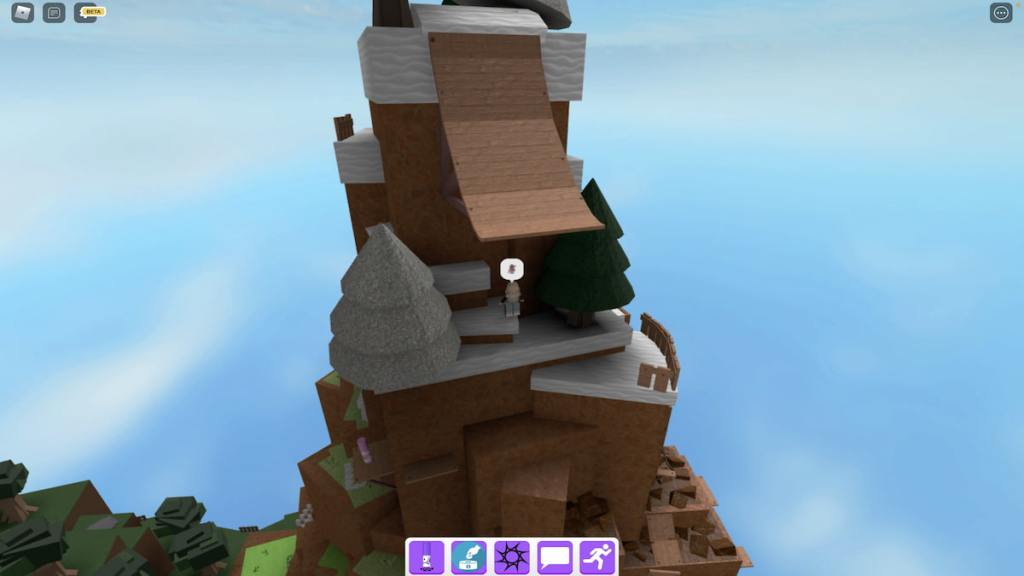
To reach this ramp, hop onto the tree that’s to the right of it and climb to its highest point. Then, jump from the tree to the nearby cliff and use the sporadically placed planks to reach the mountain’s peak.
Now, approach the edge where the snow ends and the ramp starts—after a few seconds, your Robloxian should automatically sit, slide down the ramp, and fly through the air.
When you finally land, your screen should turn white once more, you should automatically be teleported back to the top of the mountain, and the Ski Marker should be directly in front of you!
To add the Ski Marker to your Markerdex, simply walk up to it and touch it. Upon doing so, you should receive the pop-up below.
Looking for more Find the Markers content? Check out our recent guides onHow to get the Security Marker in Roblox Find the MarkersorHow to get the Skydiving Marker in Roblox Find the Markershere on Pro Game Guides!