WhileFind the Markersmay seem like just another scavenger-hunt-style experience, it actually offers quite an intricate map, with more than a handful of challenging secrets to find. With itsFrightening Heightsupdate, Find the Markers has added 11 more markers for players to discover, including the one that we’ll be covering in this brief guide,Security Marker.
Finding Security Marker in Find the Markers
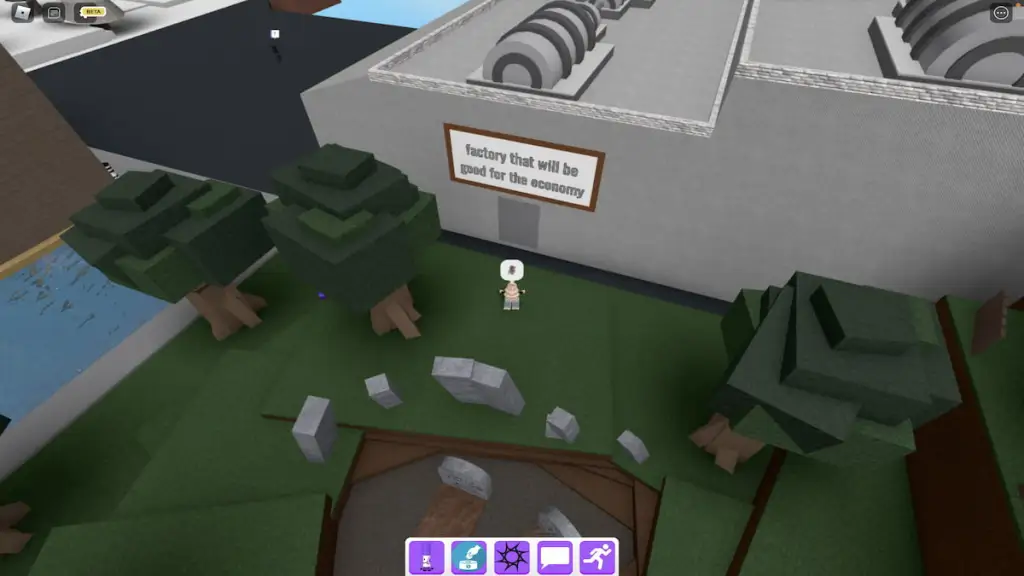
Once you’ve spawned into Find the Markers, head toward the forest area of the map and locate the factory pictured below.
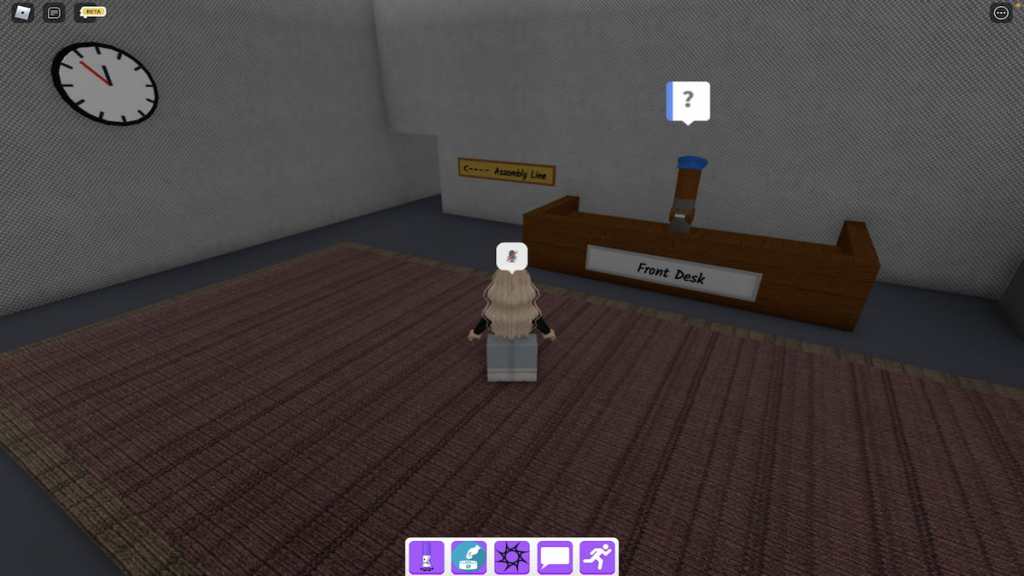
As soon as you enter the factory, you should see a robot-looking marker seated behind a desk—this is the Security Marker. Upon talking to this marker, it will deny that it is a robot at all and will eventually run into a fatal error, causing it to reset and the dialogue to abruptly end with no further explanation.

Related:How to get Dark Markery in Roblox Find the Markers
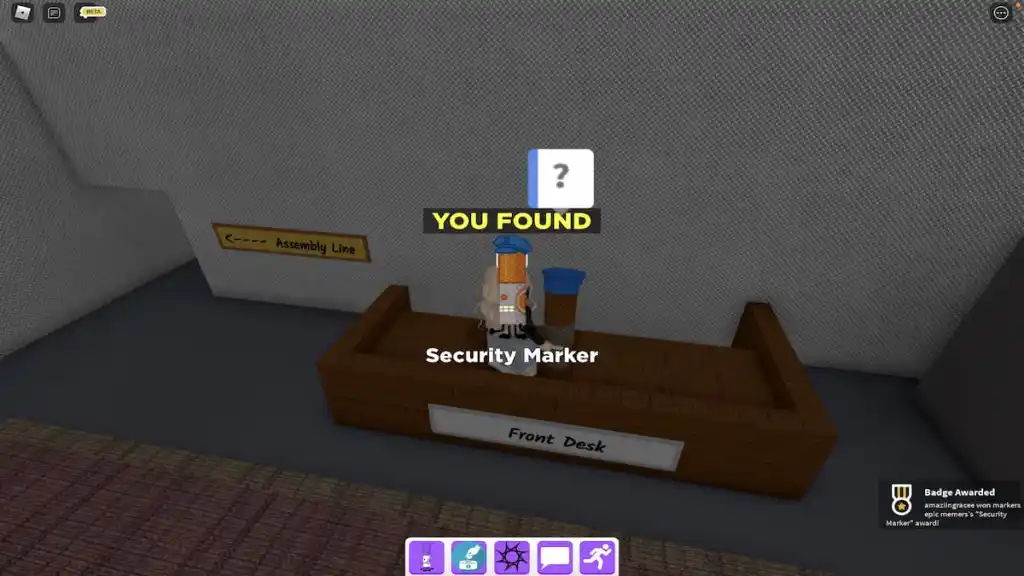
To claim this totally non-robotic marker, simply walk up to it and touch it. Upon doing so, the Security Marker will be added to your Markerdex and you should receive the pop-up below. Now that Security Marker is in your collection, meaning that you have expertly trained back-up ready and waiting, we’d suggest using it to catch the troublesomeThief Marker. Last we heard it’s snooping around behind the Old Shop!
Looking for more Find the Markers content? Check out our recent guides onHow to get the Skydiving Marker in Roblox Find the MarkersorHow to get the Beige Marker in Roblox Find the Markershere on Pro Game Guides!