NIKELANDhas updated yet again and brought two more free avatar items for players to unlock! Through just a few steps, players can earn theNike Shoebox CostumeandNike Fury Headbandtotally for free. To learn more, continue reading the brief guide below!
Earning free items
Nike Fury Headband
In order to earn the Nike Fury Headband, players will need to complete the experience’s short tutorial andhopethat everything runs smoothly. We’ve tried on multiple Roblox accounts to receive this item, but we’ve run into the same glitch on every single one. If you’d like to give it a try, follow the steps below.
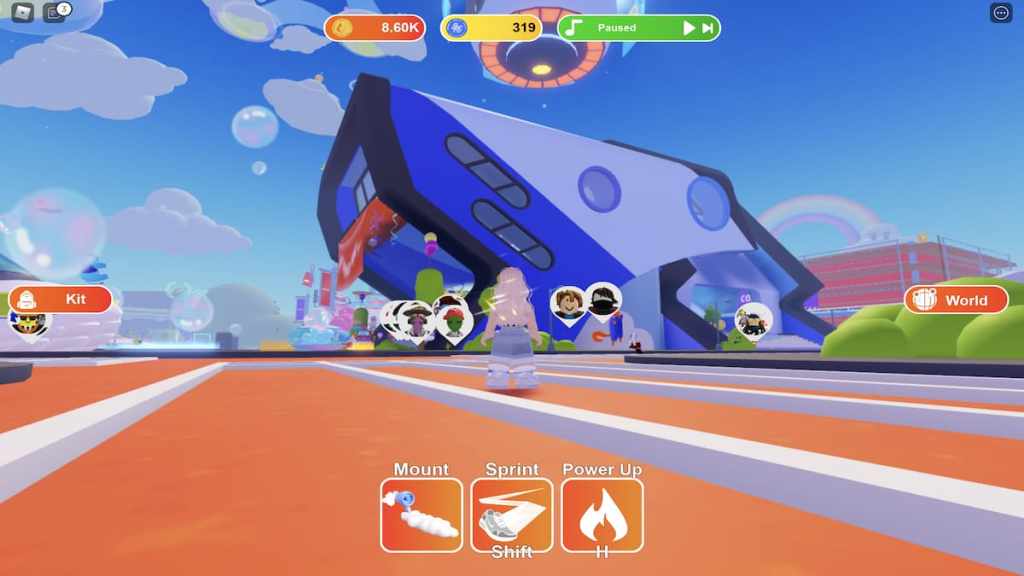
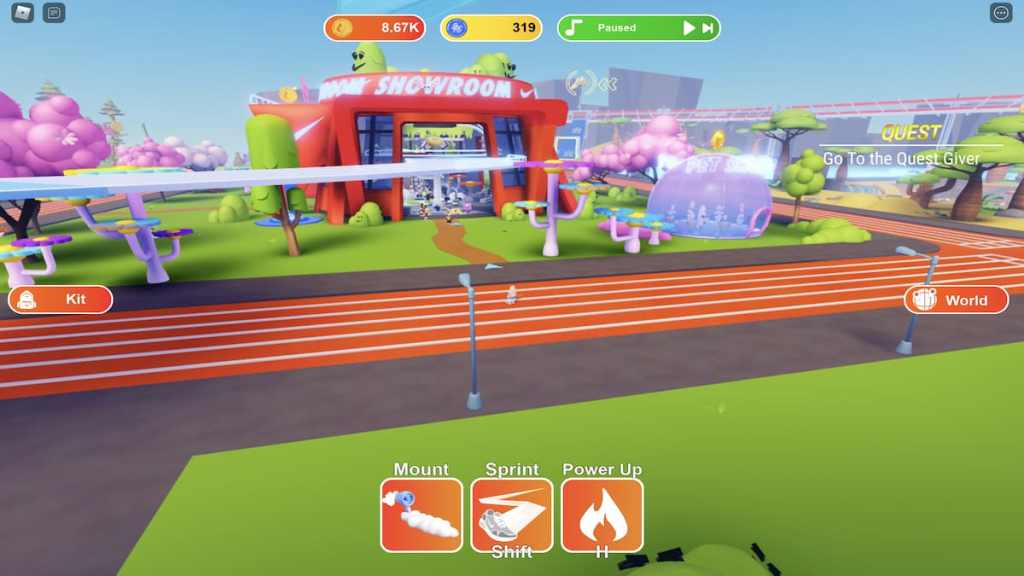
Once you’ve loaded into NIKELAND, head toward theShowroomand look for the NPC pictured below. If you get lost, simply follow the blue arrows that point you where to go.
Upon speaking to the NPC, she’ll give you a pair ofAir Force 1 Whitesand ask you to equip them.
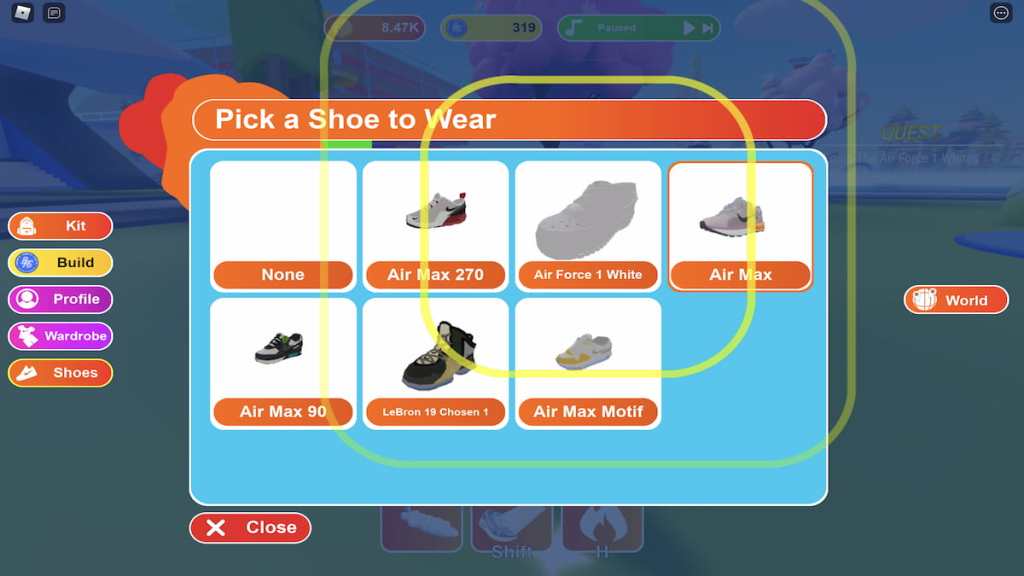
To put on these shoes, click the orangeKitbutton on the left-hand side of the screen and then pressShoes. From the menu that appears, click the Air Force 1 White icon.
Related:How to get all free items in Roblox NIKELAND?
Once the shoes have been equipped, close the menu. The next place that you’ll want to head toward is theBasketball Court.
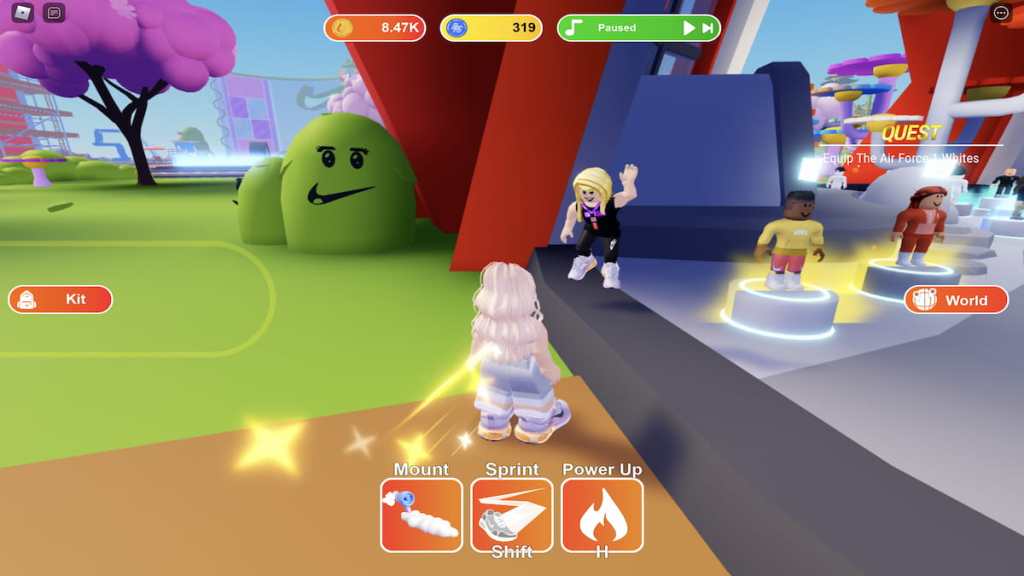
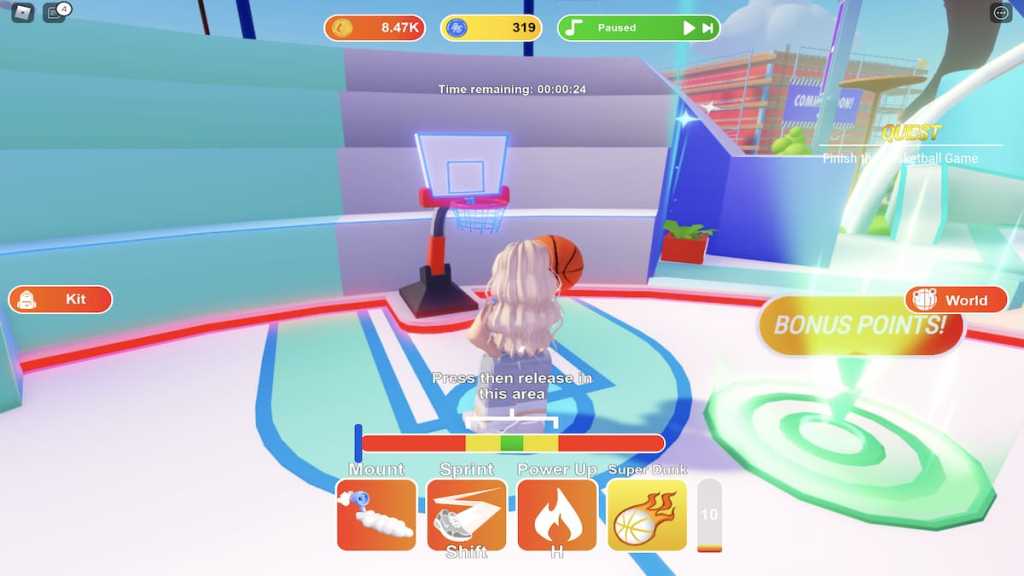
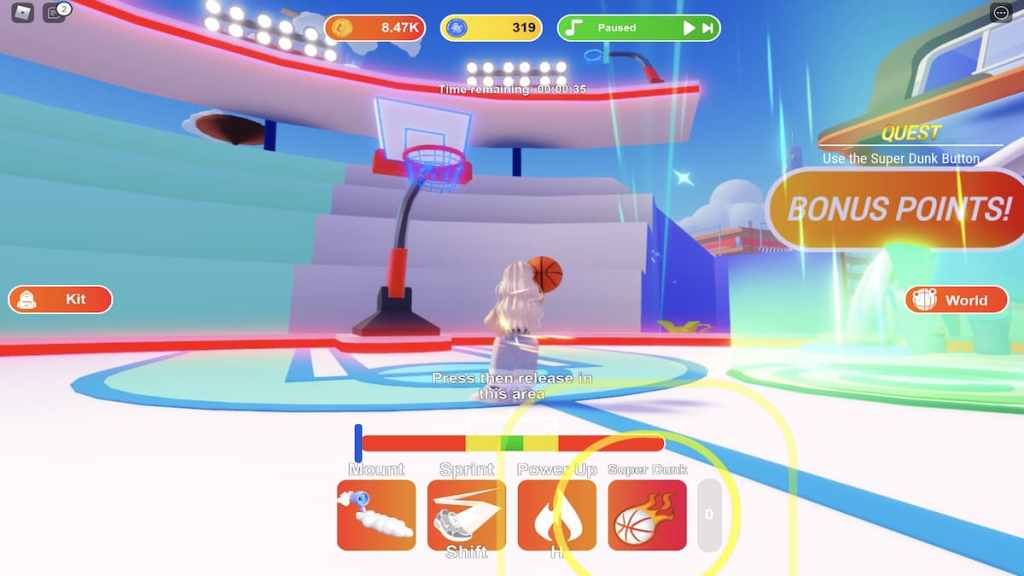
On the court, press theSuper Dunkbutton to increase the size of your Roblox avatar.
Now that you’re supersized, play out the rest of the game until the timer at the top of your screen counts down to zero.
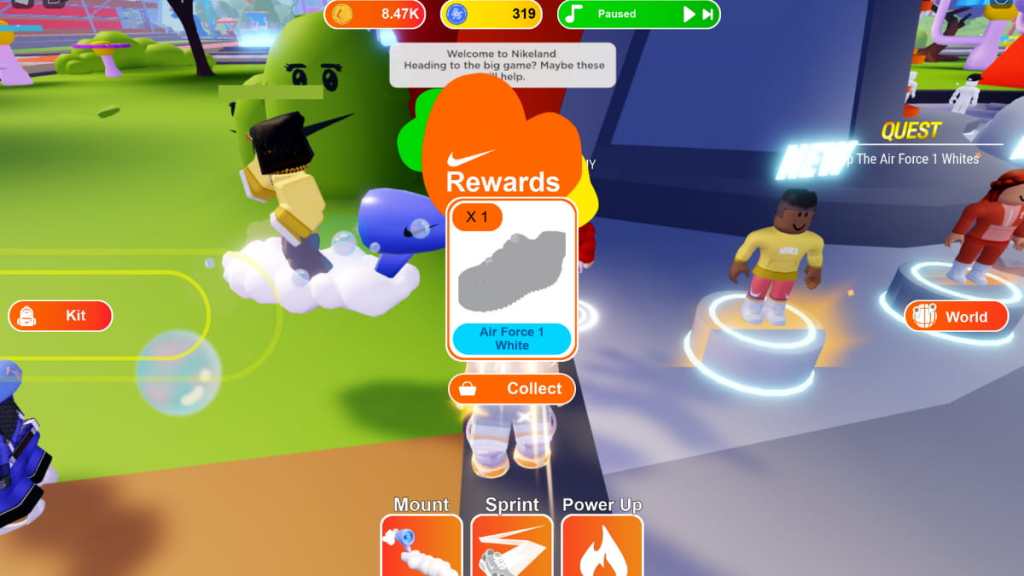
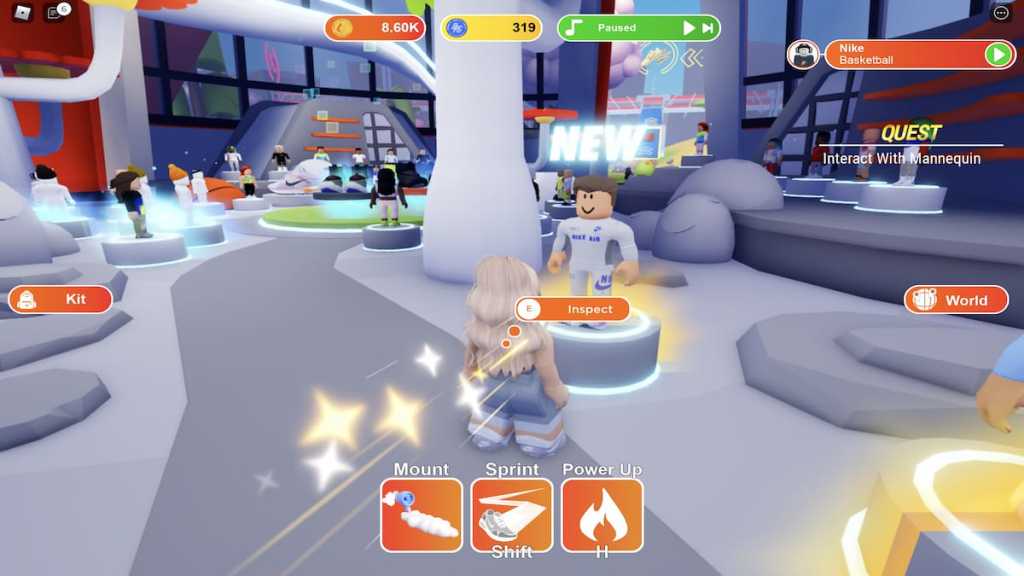
When the clock reaches zero and the game ends, return to the Showroom and approach the blonde NPC once more. As you walk up to her, she’ll tell you to check out the new items that are displayed on the mannequin below. Inspect this mannequin, open and close the shop menu, and then return to the NPC.
Related:Roblox Promo Codes List (May 2022) – Free Clothes & Items!
Upon doing so, she’ll sayHere, you earned thisand give you the Nike Fury Headband and corresponding badge. That is, if you haven’t run into the unfortunate glitch. If she says that line of dialogue and you don’t receive the badge or item, you’re seemingly out of luck for the time being. NIKELAND is known for its glitches, so hopefully this will be fixed soon. But for now, we’re all in the same boat of completing the quests yet being stuck with no item to show for it.
Nike Shoebox Costume
Surprise, the Nike Shoebox Costume is facing the same glitch as the Nike Fury Headband! If you still want to try and earn this item, however, you can follow the steps below.
First, head toward theLobby.
Once there, wrap around to the back of the Lobby—there should be a largeHappy Birthday Nikebanner hanging on the wall.
To earn the Nike Shoebox Costume, all you need to do is approach the large birthday cake and holdEto eat a slice!
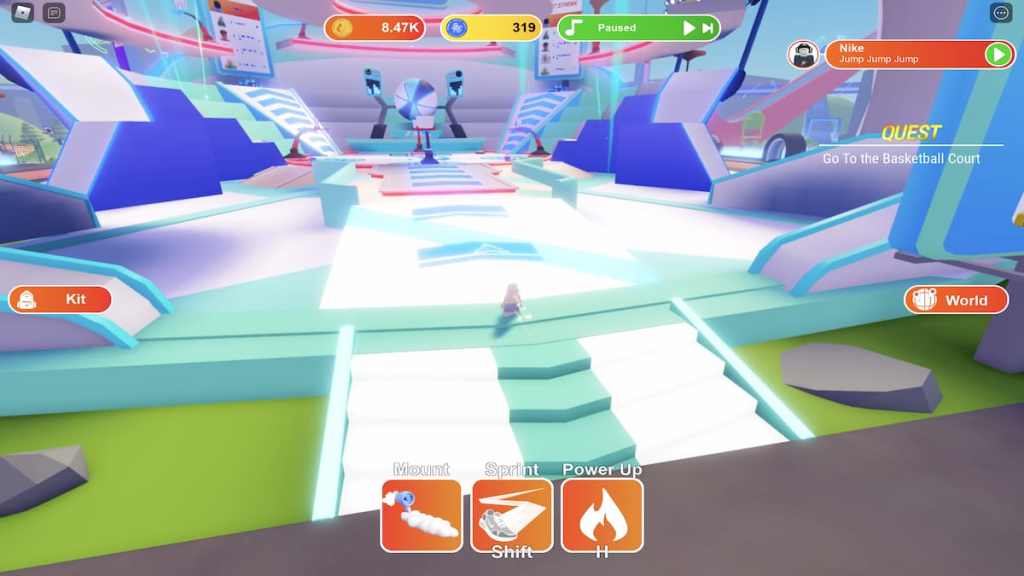
Once you’ve finished eating, the pop-up below should appear on your screen and youshouldreceive the Nike Shoebox Costume and corresponding badge.
Like the Nike Fury Headband, however, this badge and item are currently glitched, meaning many players, us included, didn’t receive them upon completing the quest. Hopefully this glitch will be patched in an update soon and we’ll either be able to redo the quests or just receive the items for free!
Looking for more Roblox content? Check out our recent articles onHow to get all free items in Roblox Spotify IslandorHow to get all free avatar items in Roblox Samsung Superstar Galaxy!