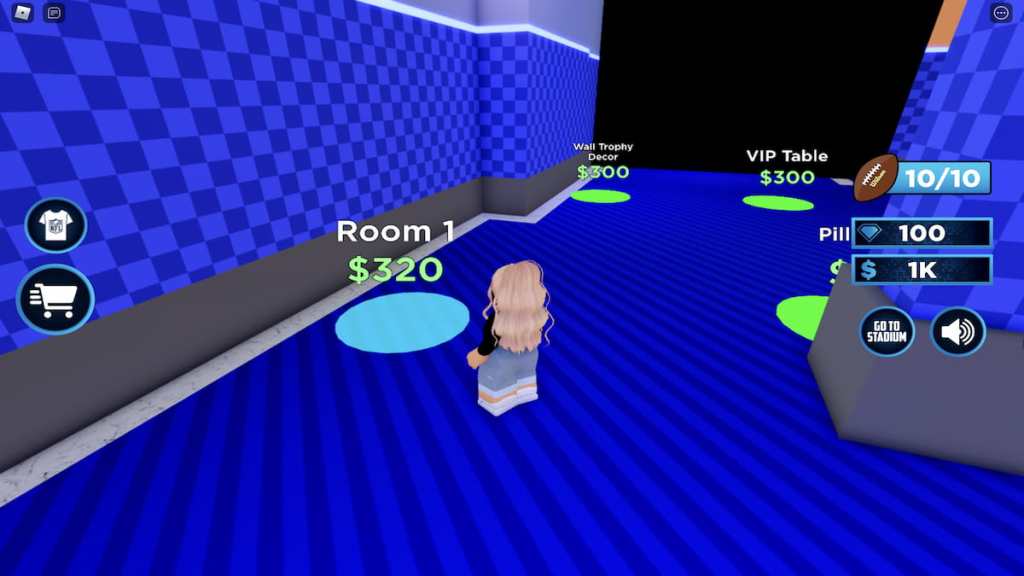
Themysterious badgesadded to theNFL Tycoonexperience have finally been revealed! In celebration of the NFL Draft, players can earn four free avatar items for a limited time. It’s unknown how long these items will be sticking around, so grab them while you can if you’re interested!
Earning free items
Luckily, the four NFL Draft-themed items can be earned fairly easily and in a short amount of time. These items, and how to get them, can be found in the list below. For a more detailed explanation of how to earn them, continue reading past the list.
NFL Draft Red Jacket
As mentioned above, earning the NFL Red Jacket is as simple as logging onto Roblox and joining NFL Tycoon. Upon doing so, you should receive theNFL Draft Red Jacketbadge and matching item.
NFL Draft Hat
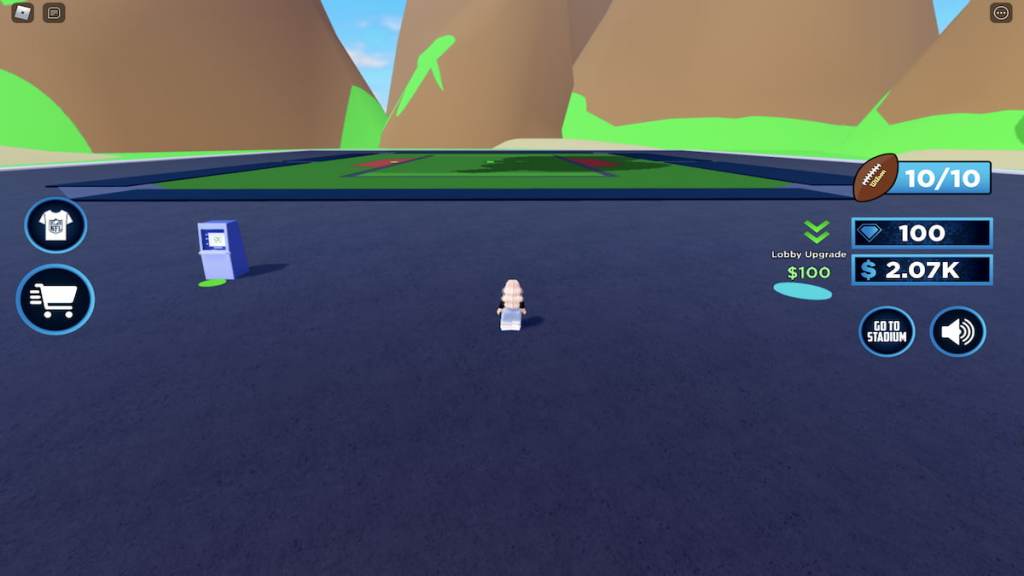
In order to earn the NFL Draft Hat, you’ll need to have a foundation built for your stadium and place the New Era concession stand inside of it. To do this from scratch, approach theLobby Upgradebutton and step onto it—doing so will build your stadium’s lobby area. You’ll need to purchase the next six upgrades as well before you can enter the lobby.
Related:How to get the free Luchador Champion avatar item in Roblox
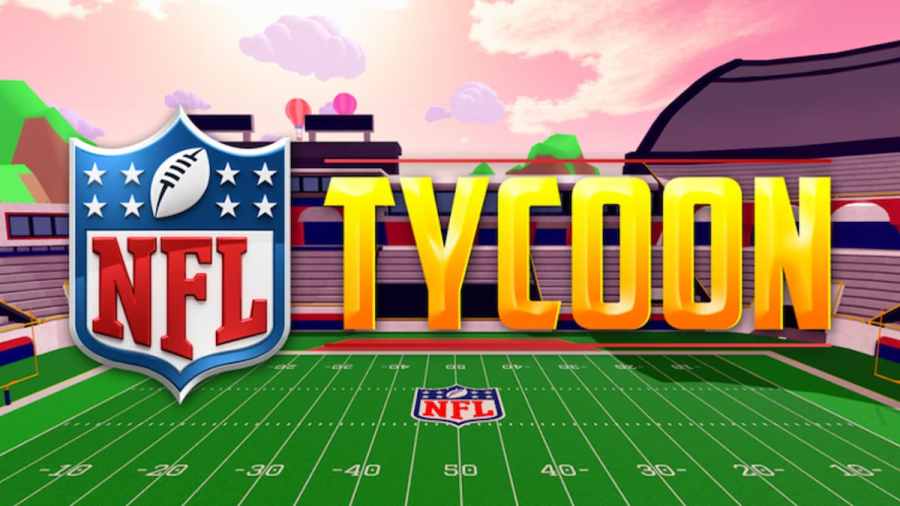
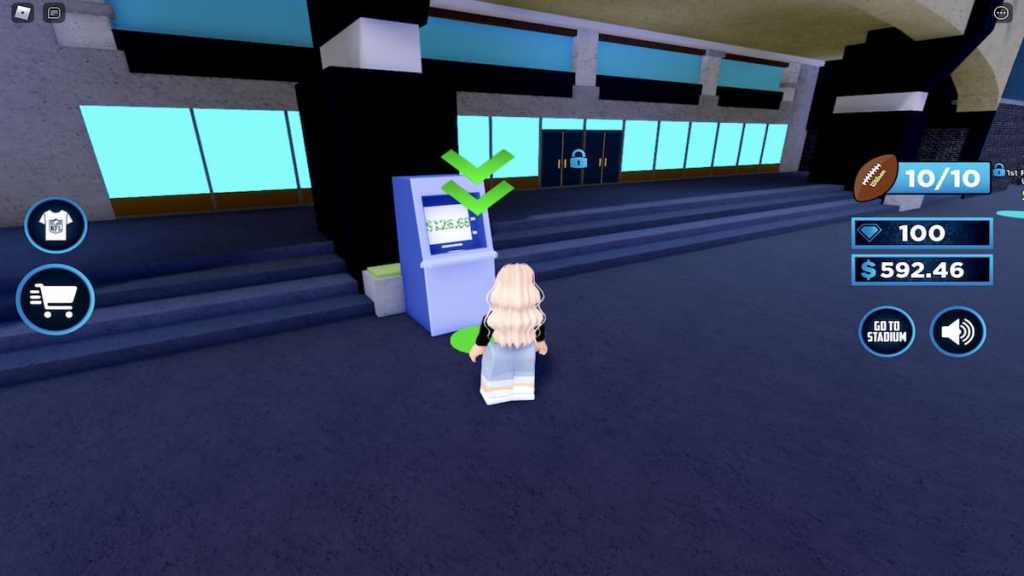
If you run out of money while purchasing upgrades, don’t worry! More money can be obtained at any time by withdrawing from any of the ATMs in the vicinity.
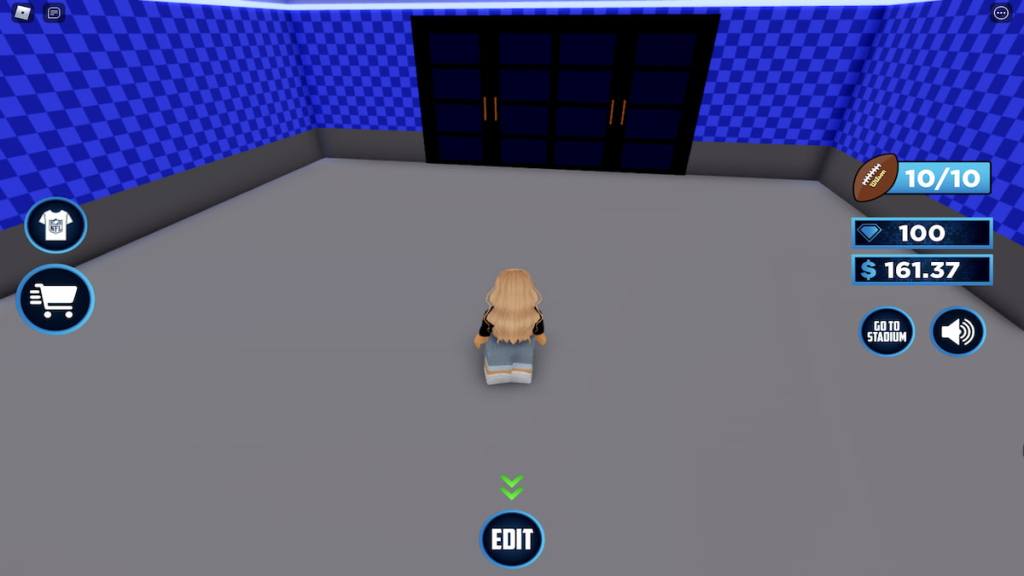
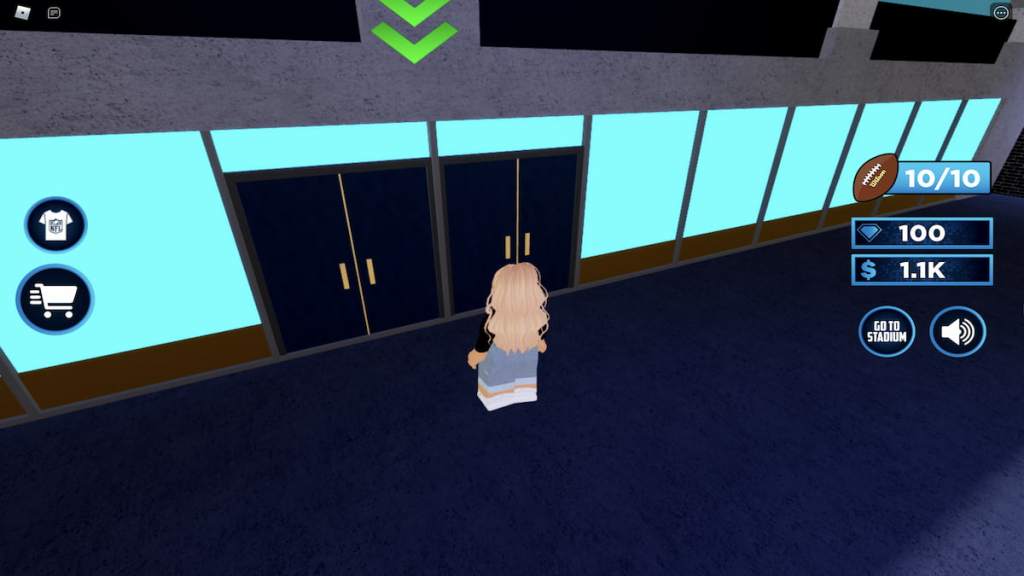
Once your lobby is unlocked, enter it by walking up and touching the front doors pictured below. Upon doing so, you will automatically be teleported inside.
Once inside the lobby, you should see anEditbutton at the bottom of your screen—click this button to open the Edit menu.
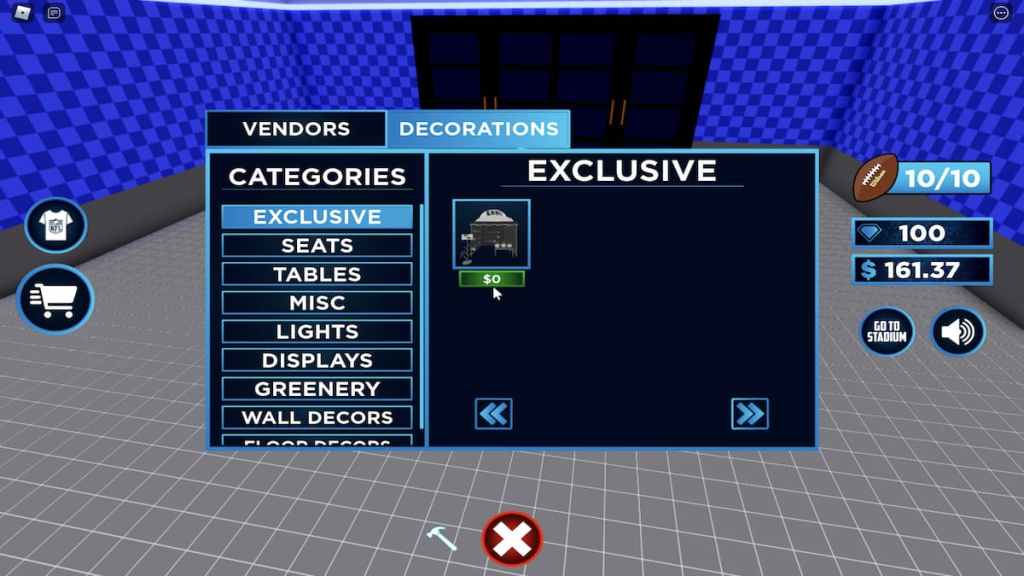
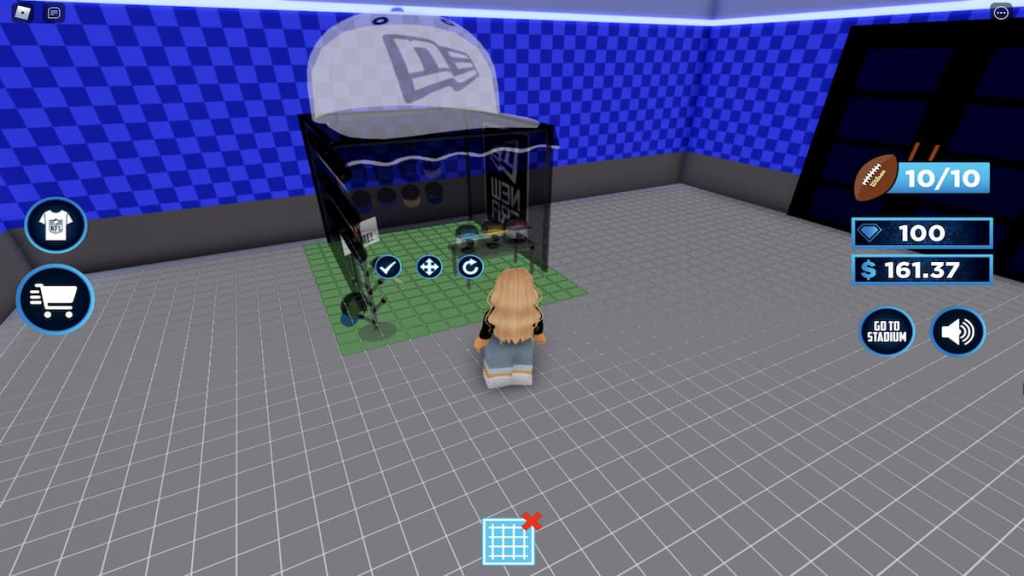
From here, select theDecorationstab and locate theNew Era concession standunderExclusives. Click on this stand and place it anywhere in your lobby to earn theTip of the Capbadge and NFL Draft Hat item.
Related:How to get the free Koi Flag avatar item in Roblox
NFL Draft Black Jacket
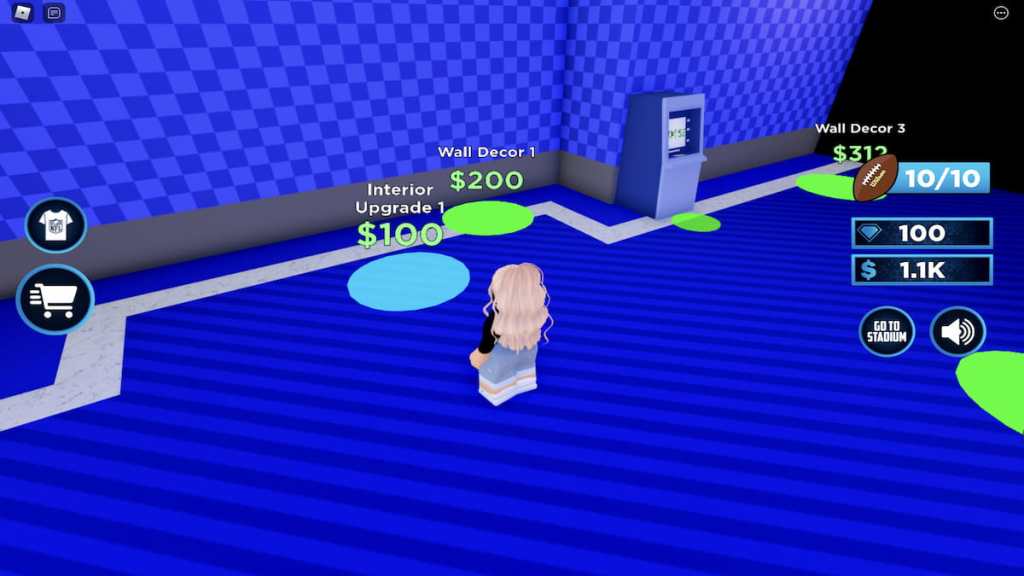
In order to earn the NFL Draft Black Jacket, you’ll need to purchaseInterior Upgrade 1. To do this, enter your stadium by walking through the double doors inside of the lobby and approach the blue button directly in front of you—this is theInterior Upgrade 1button.
To purchase this upgrade, step onto its button. Upon doing so, you will earn theNFL Draft Black Jacket badgeand item.
NFL Draft Headphones
NOTE:The NFL Draft Headphones can only be unlocked after a player has purchased Interior Upgrade 1, so be sure to complete the steps above before attempting to earn this item!
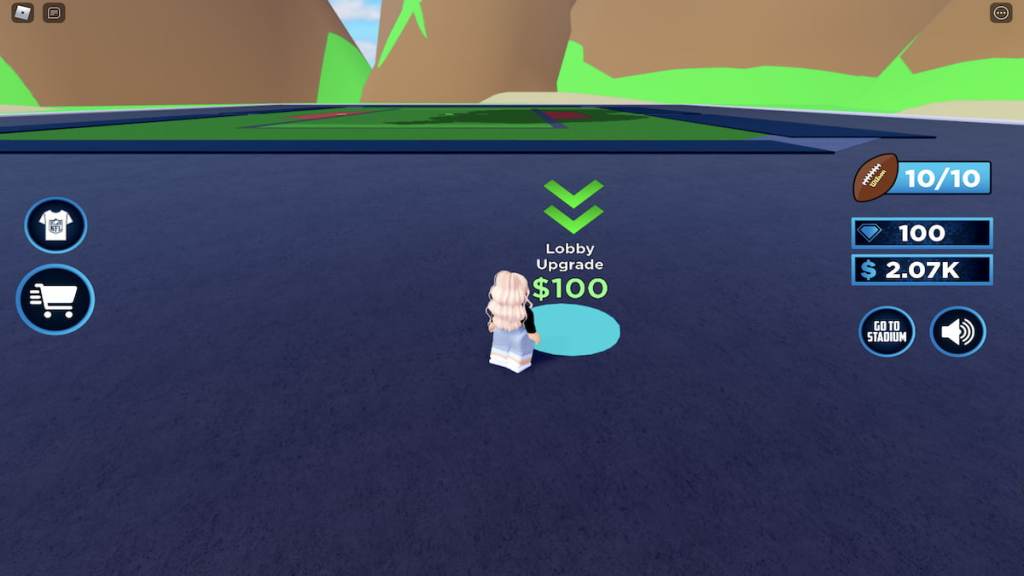
From the Interior Upgrade 1 button, turn left and walk around around the corner. Against the leftmost wall, you should see another blue button—this time one that saysRoom 1. Step onto this button to unlock the next room of your stadium, theNFL Draft Headphonesbadge, and NFL Draft Headphones item.
End
You should now have unlocked all four of the free NFL Draft-themed items! These itemsshouldappear in your Roblox inventory almost immediately, but don’t be discouraged if they don’t—it can sometimes take hours, days, or even weeks for event-related items to go through. If after a bit of time you still haven’t received a badge or item that you earned, you may need to delete it from your profile and attempt to claim it again.
Looking for more Roblox content? Check out our recent guides onHow to get all free items in Roblox Spotify IslandorHow to get all Mental Health Awareness Month avatar items in Roblox Alo Sanctuary | May 2022!