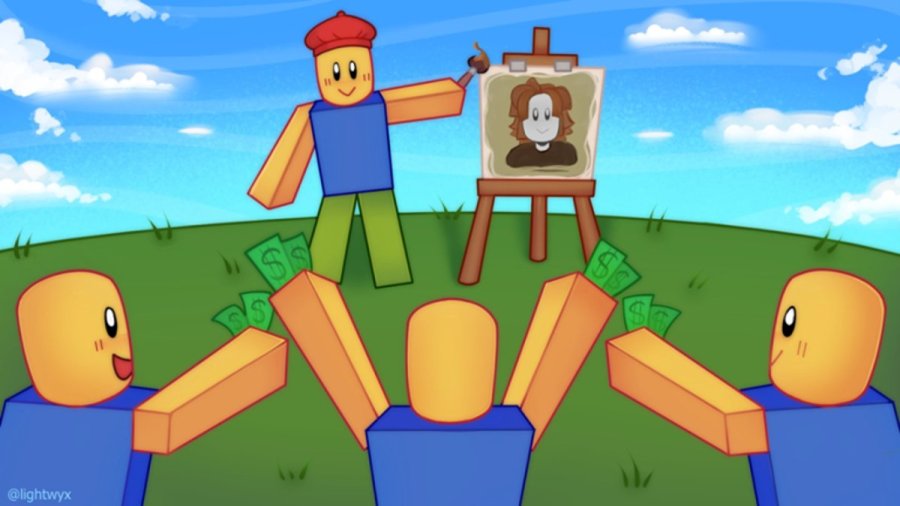
Double Bandit Studios' Starving Artists allows for Roblox users to buy and sell Avatar shop items. Using one of the in-game booths, users can sell t-shirts and earn Robux as a result. However, to import your design, you will first need to locate yourShirt ID. For that, you will need to follow a few simple steps.
Related:All Star Tower Defense Codes | Roblox (April 2022) – Free Gems, Gold, and EXP in ASTD!
Before closing theMy Creationstab, be sure to select thethree dotsnext to the product name. From there, selectConfigure, and then enter theSalesportion on the side of the screen. Here, you will be able to adjust the price of the T-Shirt. To be able to sell it, you will need to make sure thegreen slideris checked.
After claiming a booth in Starving Artists, simplycreate a piece, go to one of yourCanvases, and select the artwork. When prompted, insert theShirt IDfrom the URL on the Roblox browser. After entering a price, you will be able to sell your product.
For more Roblox content, check outRoblox Promo Codes List (April 2022) – Free Clothes & Items!
