Roblox Anime Adventures is a strategy tower defense game where players can summon various characters from popular anime culture to protect their base from waves of enemies from multiple worlds. In their journey of completing the story mode, players can earn rewards to summon more characters to add to their units and evolve them to buff their stats. However, only a few specific units can be Evolved. In this guide, we’ll tell you everything you need to know on how to Evolve units in Roblox Anime Adventures.
How to Evolve characters in Roblox Anime Adventures
Players can Evolve a unit of their choice by crafting a specialEvolve itembyspending Gold Coins, and collecting various items likeStar Fruitsof varying rarity and color. It is worth noting here that only mythic characters with a designated Evolve item can be evolved. The following are all the items you can craft to Evolve a character in Roblox Anime Adventures.
you’re able to earnGold Coinsby selling duplicate character units from your collection. As forStar Fruits, you can either purchase them from theTravelling Merchantin exchange for Gems, or you can earn them by completingChallenges.
Related:Roblox Anime Wrecking Simulator Codes (July 2022)
Where to Evolve units in Roblox Anime Adventures
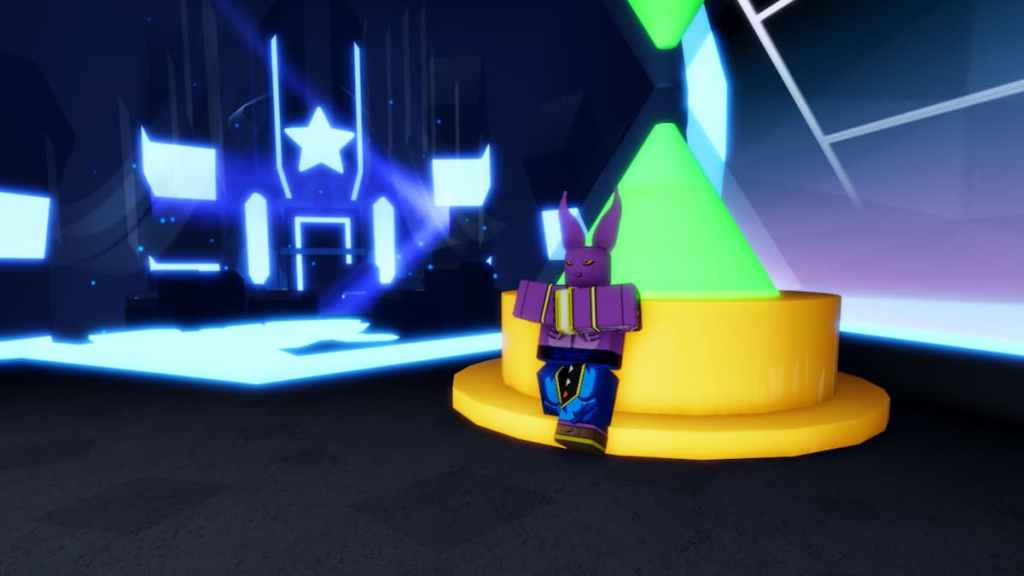
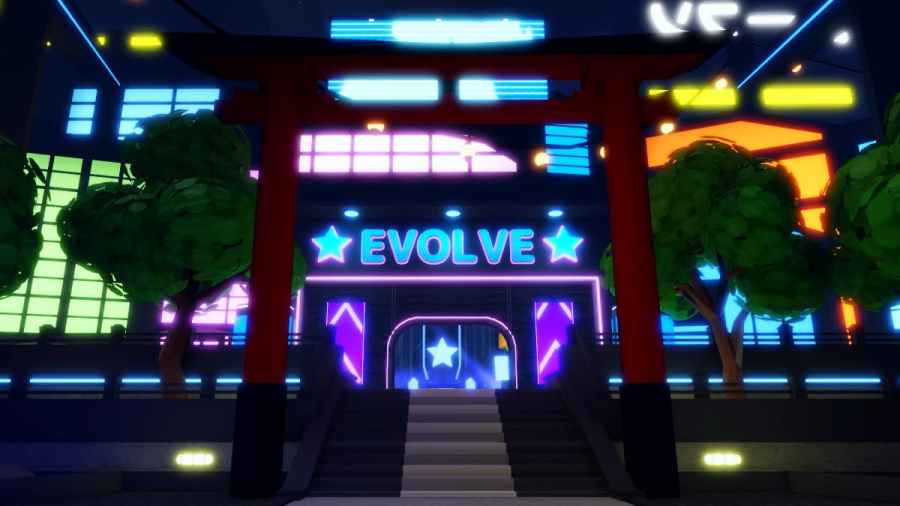
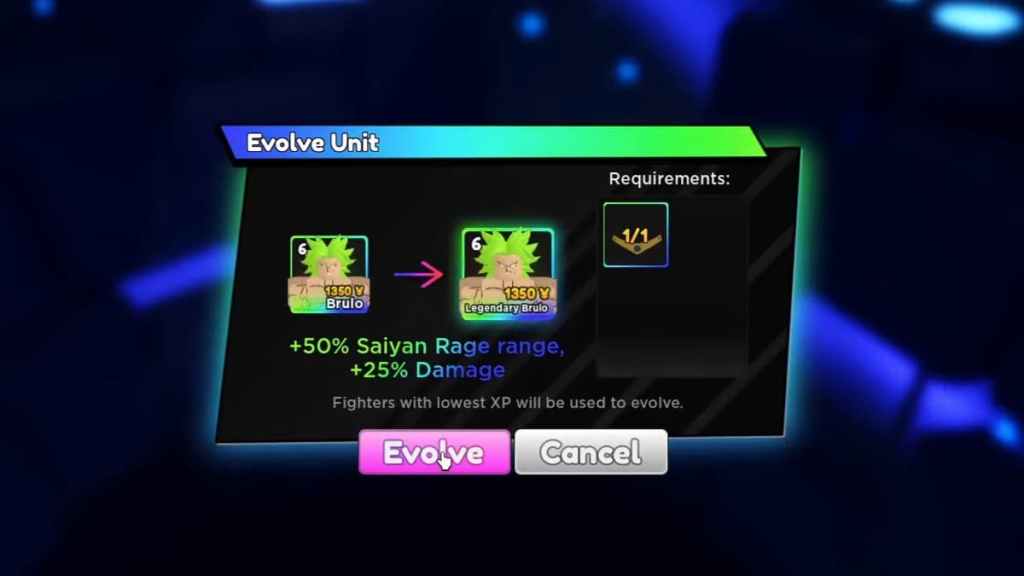
Once you have the required amount of Gold Coins and items to craft an Evolve item of your choice, head over to the Evolve room. Here, speak withBeeruhto check all Evolve items and materials required to craft them. Then, go inside the Evolve room and go past Beeruh to the blue glowing area near the back. Finally, click on Evolve and choose the unit of your choice to Evolve them. Keep in mind, in order to Evolve a character you must first unequip them.
After Evolving, your character will receive significant buffs to their attributes. Here are all the stat changes for each character after you Evolve them.
Looking to claim some free gems and summons in Anime Adventures? Check outAnime Adventures Codes, right here on Pro Game Guides.