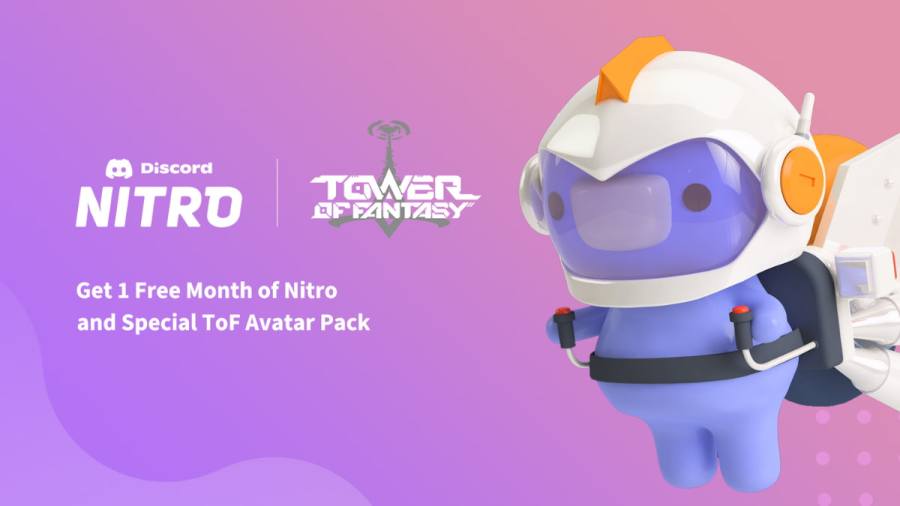
Tower of Fantasy is celebrating a collaboration event with Discord fromAug. 12, 2022, to Jul 04, 2025. During this period, you can claim a free one-month Discord Nitro subscription and a special ToF Avatar Pack filled with in-game goodies. This offer is limited to users who are subscribing to Discord Nitro for the first time. If you’ve already claimed Discord Nitro in the past, you can create a new account to take advantage of this offer.
How to claim the free Discord Nitro & Special ToF Avatar Pack
Head to the in-gameRewards menuby clicking on the gift icon on the upper right of the screen. If you’re on PC, hold ALT to enable you to use your cursor to do so. Next, click on theThemed Eventbutton at the bottom of the screen to find the Discord Nitro offer. Click onClaim Nitro Offerto be redirected toward the rewards claiming page on your browser.
Related:How to claim a free SSR in the Tower of Fantasy Starpath Navigation event
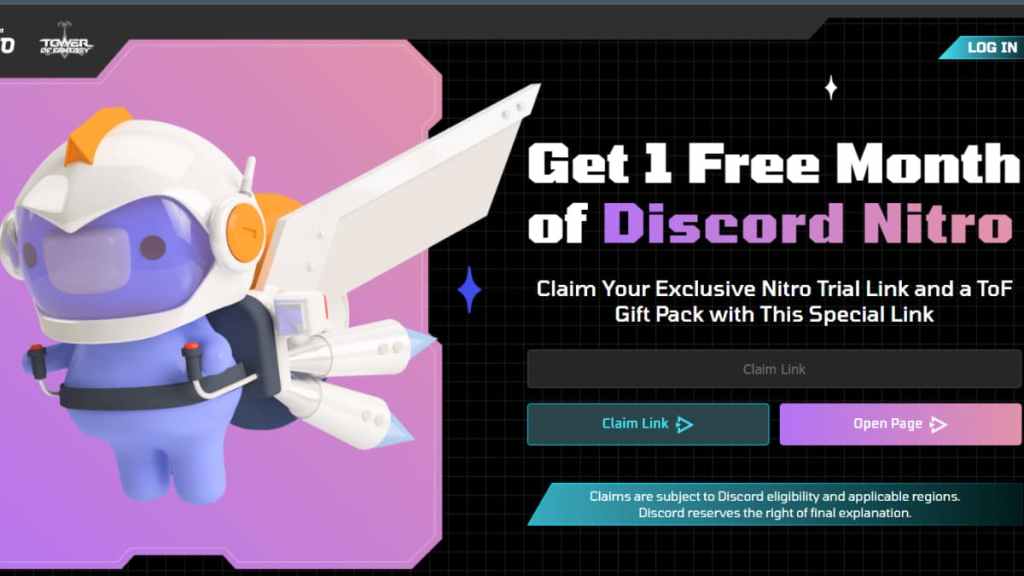
On the upper right of the page, clickLog Inand access your Discord account. Then click onClaim Linkto generate a link that you mustinput into the browserto open the redemption page. Once you see the message, “You got 1 month of Nitro,” clickNextto open up the billing page.
To successfully claim the Nitro offer, you mustsync your credit cardor another eligible postpaid payment method with Discord. After the one-month free period ends, Discord will continue billing you for the cost of a Nitro, so you’ll have to cancel your subscription later on if you don’t want that. After syncing your payment information, you’ll successfully obtain the one-month Discord Nitro.
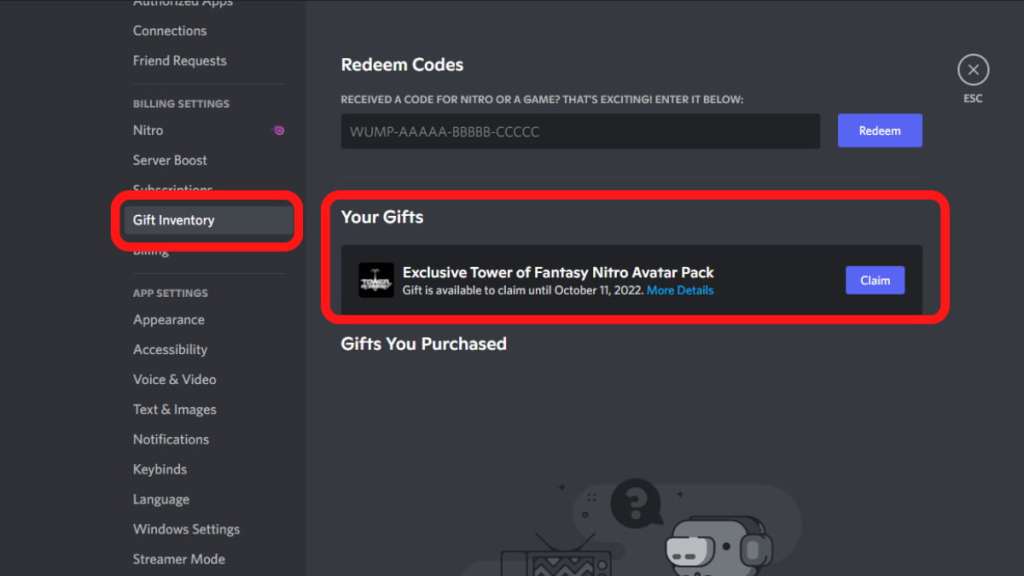
Next, head over to Discord and enter theUser Settingsby clicking on the cog beside your profile picture. On the left, selectGift Inventoryand find the ToF Avatar Pack underYour Gifts. ClickClaimto get aredemption code that you’re able to input in-gameto get the following items in your mail:
Keep in mind that it may take a few minutes for the items to arrive, so don’t panic if you don’t get them immediately. If you don’t want the ToF Avatar Pack, you can give your code to a friend!
How to unsubscribe from Discord Nitro
If you don’t want to keep getting billed for Discord Nitro after the free period ends, head to your DiscordUser Settingsand selectSubscriptionsfrom the lefthand panel. Under Your Subscriptions, click on the smallCancelbutton in the upper right corner of the Nitro banner and confirm your actions by clickingNextto prevent getting billed for this subscription a month later.
Check out our guide onHow to access your mail in Tower of Fantasyto find your ToF Avatar Pack rewards.
